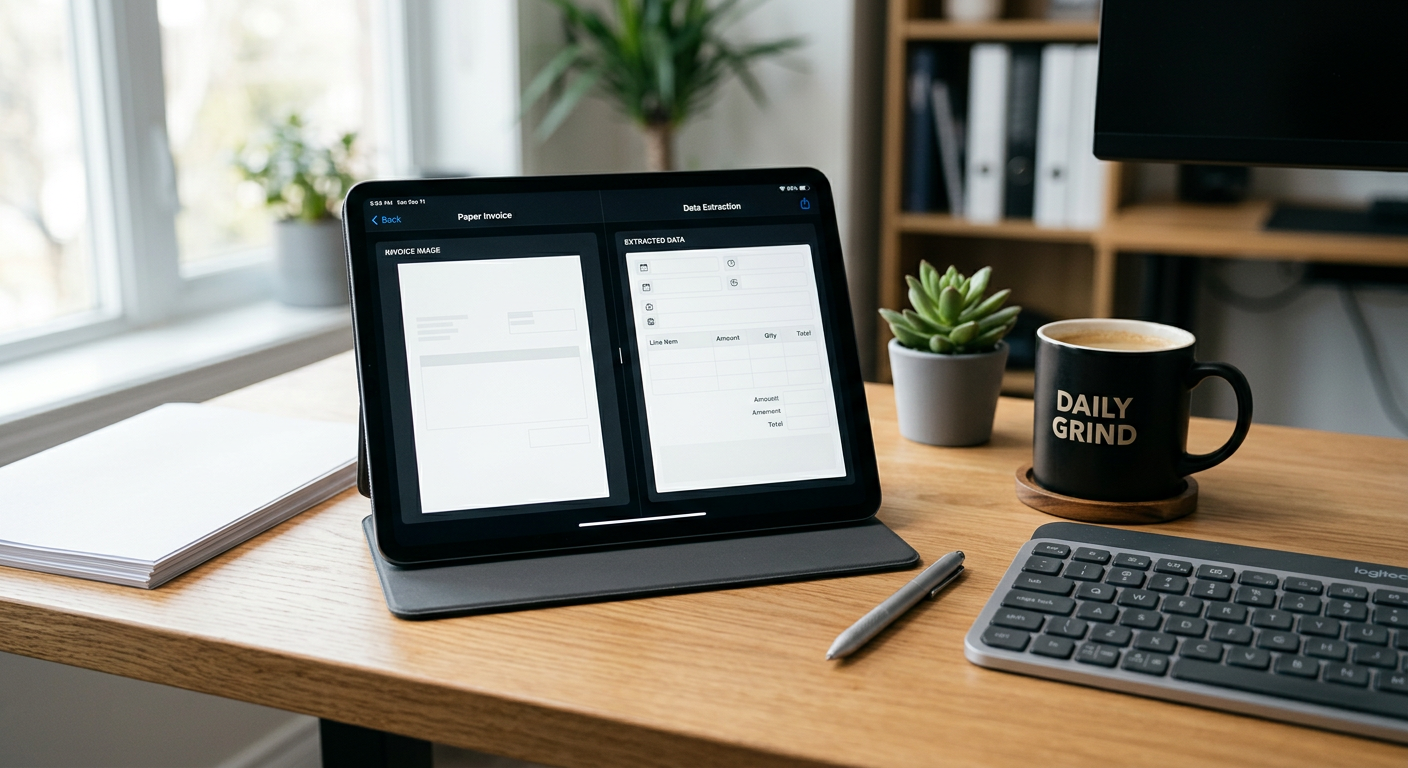
Modern AI tools can read invoices and purchase orders with high accuracy, often identifying line items and vendor details better than traditional optical character recognition (OCR). For service businesses, these systems work best when paired with a human-in-the-loop workflow where the AI extracts data and matches documents, but a person reviews the results before anything enters the system of record. AI does not replace your accounting staff; it removes the manual data entry that leads to typos and burnout.
See how our AI receptionist for small business answers calls and sends your team the details.
How does AI extraction differ from traditional scanning?
Traditional scanning relies on templates that break whenever a vendor changes their invoice layout, whereas AI understands the context of the document regardless of formatting. Instead of looking for a specific box on a page, the AI identifies the meaning of text, recognizing that "Amount Due," "Total," and "Balance" usually refer to the same data point. This flexibility means you do not have to build a new rule every time a new supplier sends you a bill.
For an HVAC or property management company, this is critical. You deal with dozens or hundreds of vendors, from large national suppliers to local parts shops. Each has a different layout. An AI-powered system, like the Pfeiffer Digital Invoice Workbench, handles this variety by focusing on the data itself rather than the coordinates on the paper.
Can AI match a purchase order to an invoice?
AI systems can automatically compare the line items on an incoming invoice against the original purchase order to ensure the quantities and prices align. If a technician ordered five capacitors but the vendor billed for six, the system flags the discrepancy immediately. This process, often called two-way or three-way matching, happens in seconds, allowing your team to focus only on the mismatches rather than checking every single line of every document.
This matching logic is purely for data verification. The AI is not authorized to approve payments or send money. Its job is to verify that what you were promised is what you were billed for. If the data matches, it prepares the record for your review. If it doesn't, it highlights the specific line item that is off so a human can resolve the dispute with the vendor.
What are the limitations of AI invoice reading?
AI can struggle with extremely low-quality scans, handwriting that is illegible to the human eye, or documents where text overlaps. If a technician takes a blurry photo of a crumpled receipt in a dark truck, the AI might misread a digit or miss a line item entirely. While AI is significantly more resilient than old software, it is not magic and requires a clear image to reach peak accuracy.
Another limitation is complex mathematical logic. While the AI can read the numbers, it might not always understand complex, non-standard discount structures or multi-page tax breakdowns unless it has been specifically configured for those edge cases. This is why we never advocate for "auto-approving" or "auto-syncing" data directly into your accounting software without a human eyes-on step.
Why a "Human-in-the-Loop" is non-negotiable
A human-in-the-loop system ensures that your business maintains total control over its financial data while the AI handles the heavy lifting of data entry. The AI performs the extraction and the matching, then presents the results in a simple dashboard. A staff member spends a few seconds scanning the screen, hits a "confirm" button, and only then does the data move into your system of record.
A product distributor saves 50–75 hours a month on invoices and purchase orders prepared for human review. Results depend on the work being automated.
How this helps service business operators
A product distributor saves 50–75 hours a month on invoices and purchase orders prepared for human review. Results depend on the work being automated.
Instead of hiring an additional clerk to handle growing paperwork, you can use automation to scale your existing team's capacity. They shift from being data entry workers to being auditors and problem solvers. They only step in when the AI identifies a problem, such as a price hike from a vendor that wasn't previously authorized.
Is this a fit for your business?
This technology is a fit for companies processing at least 50 to 100 invoices or POs per week. If your volume is lower than that, the time saved might not yet outweigh the setup and overhead. However, if your office manager is buried in paper or your technicians are constantly losing receipts, automation provides a clear path to sanity. You can learn more about how we scope these projects on our services page.
We do not handle accounts receivable, collections, or the actual movement of money. Our tools are built for the back-office document extraction and matching phase. We focus on getting the right data into your system so your existing payment workflows can run accurately.
Next Steps
If you are tired of manual data entry and want to see if your specific document workflow can be automated, let's talk. We offer a free AI audit (30 min) to discuss your volume and current systems. Our Free AI Audit is a free 30-minute call with Jon to look at where your business is losing time or leads and map where AI fits. You leave with a straight recommendation. No cost, no obligation.
Schedule your call here: https://pfeifferdigital.com/book
By Jon Pfeiffer, Founder of Pfeiffer Digital
Jon Pfeiffer is the founder of Pfeiffer Digital in Oconomowoc, Wisconsin. Before that he led partnerships and customer success at StellarAlgo, a data platform for pro sports teams, and OwnBackup, and ran customer success and sales at Quicket Solutions.
Frequently Asked Questions
How accurate is AI compared to traditional OCR?
AI is significantly more accurate than traditional OCR because it understands context. While OCR looks for text in specific coordinates, AI identifies the meaning of the data. However, it still requires a human-in-the-loop to review and confirm data before it enters your system of record to ensure 100% accuracy.
Can AI automatically pay my invoices?
No. We strongly advise against auto-approving payments with AI. The system is designed to extract data and match it against purchase orders for verification. A human should always perform the final review and click 'approve' before any data is synced or payments are processed.
What types of documents can the AI read?
AI can handle a wide variety of formats, including PDFs, clear photos of physical receipts, and emailed digital invoices. It struggles with blurry photos, extremely poor handwriting, or crumpled documents where the text is physically obscured. High-quality digital inputs yield the best results.
How does AI matching work for purchase orders?
AI compares the line items, quantities, and prices on an invoice against the data in your purchase order. If everything matches, it flags it as ready for review. If there is a discrepancy—like a price increase or a missing item—it highlights the specific error for your team to investigate.
How much time will my team save?
Most service businesses find they save between 4 and 10 hours of manual data entry per week. The goal isn't just time savings; it's the elimination of typos and the ability to catch vendor overcharges that often slip through during manual entry.