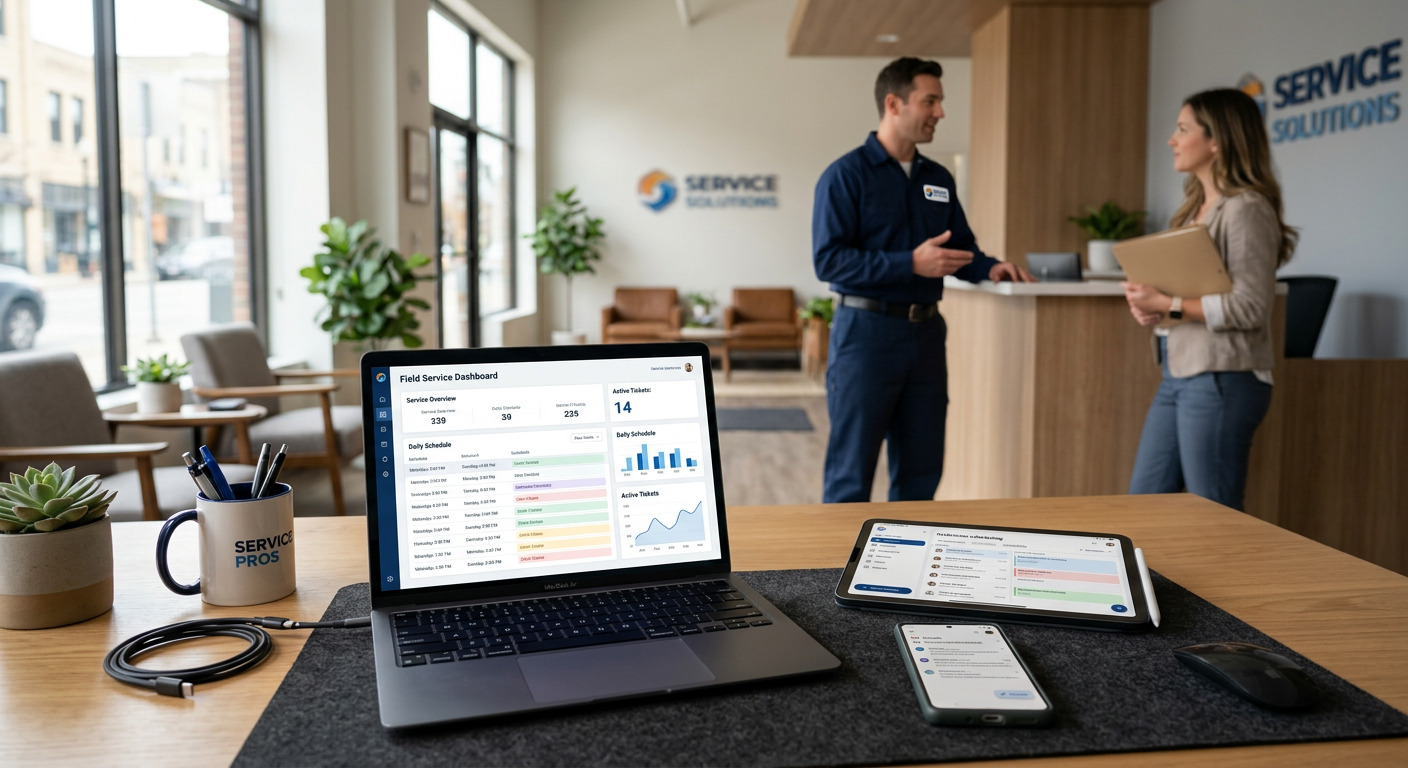
Workflow automation for a small business is the use of software to handle repetitive, manual tasks without needing a human to click every button. It connects your existing tools—like your email, calendar, and CRM—so that when one event happens, the next logical step occurs automatically. For a service business, this typically means a lead comes in, a record is created, and an appointment is scheduled without an office manager touching a keyboard.
We build workflow automation for small business around the tools you already use.
What does workflow automation actually do?
At its core, workflow automation moves data between systems to eliminate "swivel-chair" work. Most small business owners spend hours every week copying information from an email into a spreadsheet, or from a lead form into a dispatch tool like Jobber or ServiceTitan. Automation acts as a digital glue that allows these separate programs to talk to one another in real-time.
When you automate a workflow, you are defining a set of rules: "If this happens, then do that." For example, if a customer signs a proposal, the system can automatically create an invoice, send a thank-you email, and notify the project manager. It ensures that no steps are skipped and that data remains accurate across your entire operation. This allows your team to focus on high-value work, like talking to customers or solving technical problems on a job site, rather than managing data entry.
What are the common types of automation for service businesses?
Most service-based companies focus their automation efforts on three specific areas: lead intake, scheduling, and back-office document management. These are the areas where human error is most common and where delays cost the most money.
- Lead Capture and Routing: Instead of waiting for a person to check an inbox, an AI receptionist or chatbot can qualify a lead and route it to the right person instantly.
- Appointment Reminders: Automated texts and emails sent 24 hours before a service call to reduce no-shows.
- Document Matching: Systems that take a PDF invoice from a vendor, extract the data, and match it against a purchase order for a human to review.
- Review Generation: Automatically sending a feedback request the moment a job is marked "closed" in your field service software.
From the field: We implemented a 24/7 AI receptionist for a Wisconsin HVAC client that answers 100% of inbound calls. Since deployment, they have had zero missed leads, and no-heat emergencies reach the on-call technician in under 60 seconds.
How is this different from just using a CRM?
A CRM is a database where you store information; workflow automation is the engine that moves that information and acts upon it. While many modern tools have built-in features, they often stop at the "walls" of that specific software. Custom business automations bridge the gaps between different platforms, such as connecting your accounting software to your project management tool.
For instance, you might use one tool for your website forms and another for your dispatching. Automation ensures that when a homeowner fills out a "Contact Us" form, a customer profile is instantly created in your dispatch software. You don't have to wait for an office admin to see the email and manually type the address and phone number into the system.
What does a typical automated workflow look like in practice?
Imagine a property management company handling maintenance requests. In a manual world, a resident calls or emails, a coordinator reads it, determines the priority, looks up the right vendor, and sends a work order. This process can take hours or even days if the office is busy.
Penkert Properties has 350+ leasing inquiries a month routed in under 60 seconds and saves 50–100 hours a month across 19 communities.
| Manual Process | Automated Process |
|---|---|
| Checking email for new leads | Leads appear instantly in your CRM |
| Manually typing invoices into QuickBooks | Data extracted from PDF and queued for review |
| Calling customers to confirm appointments | Automated SMS/Email reminders with "Confirm" buttons |
| Chasing technicians for job photos | System flags missing photos before a job can be closed |
Where does workflow automation go wrong?
Automation fails when you try to automate a "broken" or "messy" process. If you don't know how a lead should be handled or who is responsible for a specific task, software cannot solve that for you. Automating chaos just results in faster chaos.
Another common pitfall is over-automation, where you remove the human touch entirely. Customers in the trades—like HVAC, plumbing, or electrical—often call because they are in a stressful situation. If they feel like they are trapped in a "bot loop" without the ability to reach a human for a $400-$1,200 service ticket, you will lose the lead. The goal is to use automation to get the human to the customer faster, not to replace the human interaction entirely.
How do you know if your business is ready for this?
A product distributor saves 50–75 hours a month on invoices and purchase orders prepared for human review. Results depend on the work being automated.
Before you start, you should have a clear list of your current tools. Whether you are wondering how automation works with Jobber or another field service platform, the first step is identifying the specific bottleneck. Is it answering the phone? Is it prepping invoice packets for review? Start with the one task that happens most frequently and causes the most frustration.
What are the limitations of these systems?
Automation is not a "set it and forget it" magic wand. It requires oversight. For example, in our property management systems, we allow the AI to auto-publish eligible 5-star Google review responses, but any response to a 1-4 star written review requires a human to review and approve it before it goes live. This ensures that sensitive customer service issues are handled with the necessary nuance.
Furthermore, automation works best as a "sidecar" to your existing tools. It should sit beside your CRM or accounting software and feed data into them. You should always maintain a "system of record" where a human performs a final check on financial data, such as purchase orders or payroll, before it is finalized.
By Jon Pfeiffer, Founder of Pfeiffer Digital
Jon Pfeiffer is the founder of Pfeiffer Digital in Oconomowoc, Wisconsin. Before that he led partnerships and customer success at StellarAlgo, a data platform for pro sports teams, and OwnBackup, and ran customer success and sales at Quicket Solutions.
Ready to see which parts of your business are dragging you down? We offer a free 30-minute call to look at your current processes and give you a straight-up recommendation on where automation fits. If it isn't a fit for you right now, I will tell you directly.
Frequently Asked Questions
What tasks should a small business automate first?
The best tasks to automate are high-volume, repetitive, and rule-based. This includes lead intake, appointment reminders, routing maintenance requests, and extracting data from vendor invoices. If a task requires a human to copy information from one screen to another, it is likely a candidate for automation.
Does automation replace my employees?
A product distributor saves 50–75 hours a month on invoices and purchase orders prepared for human review. Results depend on the work being automated.
Can automation work with my current software?
Yes. Most modern automation platforms connect via API to tools like Jobber, ServiceTitan, Rent Manager, and QuickBooks. These systems sit alongside your existing software, moving data between them so you don't have to do it manually.