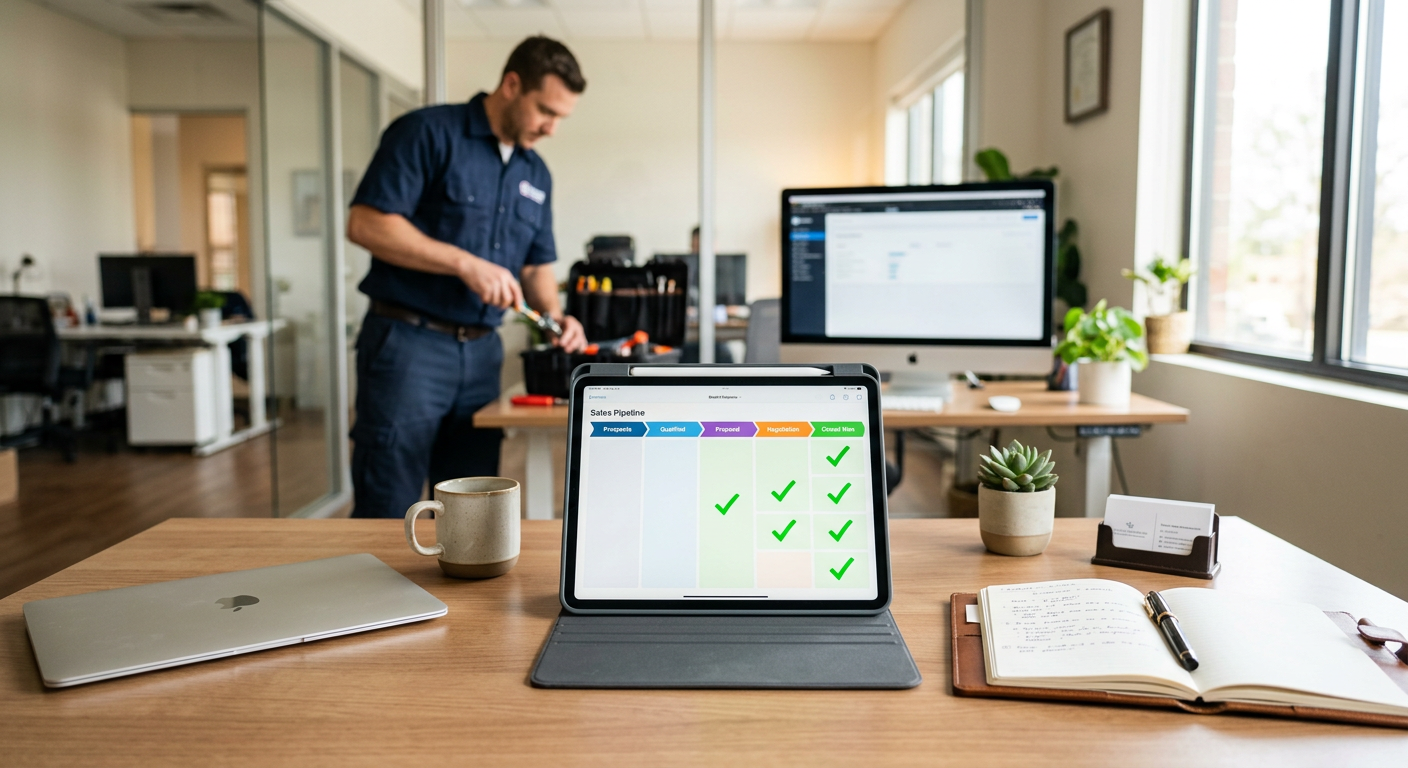
Automating quote follow-up requires connecting your CRM or estimate software to a communication tool that sends personalized emails or text messages at set intervals. You trigger these messages based on the status of a quote, ensuring no potential job stalls because a technician or salesperson forgot to call the lead back.
How does quote follow-up automation work?
Quote follow-up automation works by monitoring your sales pipeline for quotes that remain in an "open" or "pending" status for a specific number of days. When a quote hits a deadline—such as 48 hours without a signature—a system automatically sends a friendly nudge to the customer via their preferred contact method. This keeps your business at the top of their mind without requiring your office staff to manually track every outstanding estimate.
Most service businesses use a combination of email and SMS. For example, if a homeowner receives an HVAC estimate for a new condenser, the system might send a text 24 hours later asking if they have questions. Three days later, it could send an email with a link to financing options. If the quote is accepted or declined, the automation stops immediately so you don’t annoy the customer with irrelevant messages.
What are the benefits for service businesses?
The primary benefit is capturing revenue that would otherwise be lost to silence or a competitor’s faster response time. In industries like HVAC or plumbing, an average service ticket ranges from $400 to $1,200, and larger installs can be much higher. Losing just two of these a month because of poor follow-up can cost a small business thousands in top-line revenue.
Beyond the money, it settles the "office noise." Instead of your team spending Monday morning scrolling through a list of twenty open quotes and wondering who to call, the system handles the initial touches. This allows your staff to focus on the high-value conversations—like the customers who responded to the automation with specific technical questions or scheduling requests.
What do you need to have in place first?
You must have a consistent process for how quotes are entered and updated in your system of record. If your technicians provide verbal quotes or leave paper carbon copies without updating the CRM, automation will fail because the "trigger" never happens. Automation relies on clean data; the system needs to know exactly when a quote was sent and exactly when it was won or lost.
Penkert Properties has 350+ leasing inquiries a month routed in under 60 seconds and saves 50–100 hours a month across 19 communities.
Which tools are required for this?
You generally need three components: your CRM (like ServiceTitan, Jobber, or Rent Manager), a communication gateway (like Twilio for text or Mailgun for email), and a logic layer to connect them. Many businesses use custom workflow automations to bridge these gaps, especially if their existing software doesn't have robust follow-up features built-in.
For more complex back-office needs, such as when a quote acceptance needs to trigger a specific parts order, you might look into how to automate purchase order matching. Connecting these steps ensures that the moment a customer says "yes" to a follow-up, the internal gears of your business start turning without manual data entry.
What are the common mistakes to avoid?
The biggest mistake is sounding like a robot or sending too many messages in a short window. If a customer feels harassed, they will mark your emails as spam, which hurts your ability to reach future customers. Keep the tone helpful rather than pushy. A good rule of thumb is three touches: one at 24 hours, one at three days, and a final "closing the file" message at seven days.
- Don't skip the "stop" trigger: Ensure the automation dies the second a quote is signed.
- Don't use generic "From" addresses: Use the name of the technician who visited the home.
- Don't forget the call to action: Every follow-up should have a clear button to "Approve Quote" or "Schedule Call."
Where is automation the wrong fit?
Automation is the wrong fit for highly custom, high-ticket consultative sales where every quote is unique and requires nuanced negotiation. If you are selling a $50,000 commercial retrofit that involves multiple stakeholders and custom engineering, a generic automated text will feel cheap and out of place. In these scenarios, the automation should be internal—reminding the account executive to make a personal phone call rather than messaging the client directly.
It is also a poor fit if your data is messy. If your team frequently forgets to mark jobs as "Won," the system will continue to pester customers who have already paid you. This creates a poor brand experience and makes your company look disorganized.
Recommended Follow-up Schedule
| Timeframe | Channel | Purpose |
|---|---|---|
| 24 Hours | SMS/Text | Confirm receipt and ask for quick questions. |
| 3 Days | Provide value (reviews, financing, or FAQs). | |
| 7 Days | Final check-in before moving the quote to "inactive." |
How do you get started?
Start by identifying your "leakiest" bucket. Look at your open quotes from the last 60 days. If you see a large number of estimates that were never officially declined but never moved to "scheduled," you have a follow-up problem. Document the exact message you would send if you had the time to do it manually for every customer. That script becomes the foundation of your automated sequence.
A product distributor saves 50–75 hours a month on invoices and purchase orders prepared for human review. Results depend on the work being automated.
By Jon Pfeiffer, Founder of Pfeiffer Digital
Jon Pfeiffer is the founder of Pfeiffer Digital in Oconomowoc, Wisconsin. Before that he led partnerships and customer success at StellarAlgo, a data platform for pro sports teams, and OwnBackup, and ran customer success and sales at Quicket Solutions.
Frequently Asked Questions
When is the best time to follow up on a quote?
The best time to send a first follow-up is 24 hours after the quote was delivered. This is late enough to give the customer space to review the numbers, but early enough that the details of the visit are still fresh in their mind. A quick text message is often more effective than an email for this initial touch.
What software do I need to automate follow-ups?
Most modern CRMs for trades and property management have basic automation features. However, for a fully integrated experience that handles SMS, email, and internal task reminders, many businesses use third-party tools like Zapier or custom AI agents that can read the status of a quote and execute specific workflows based on the job type.
How do I follow up without being pushy?
Effective follow-ups should be helpful, not aggressive. Instead of just asking 'Are you ready to sign?', offer value. Send a link to your 5-star Google reviews, an explanation of your financing options, or a quick video explaining what to expect on the day of service. This builds trust while keeping your estimate front and center.