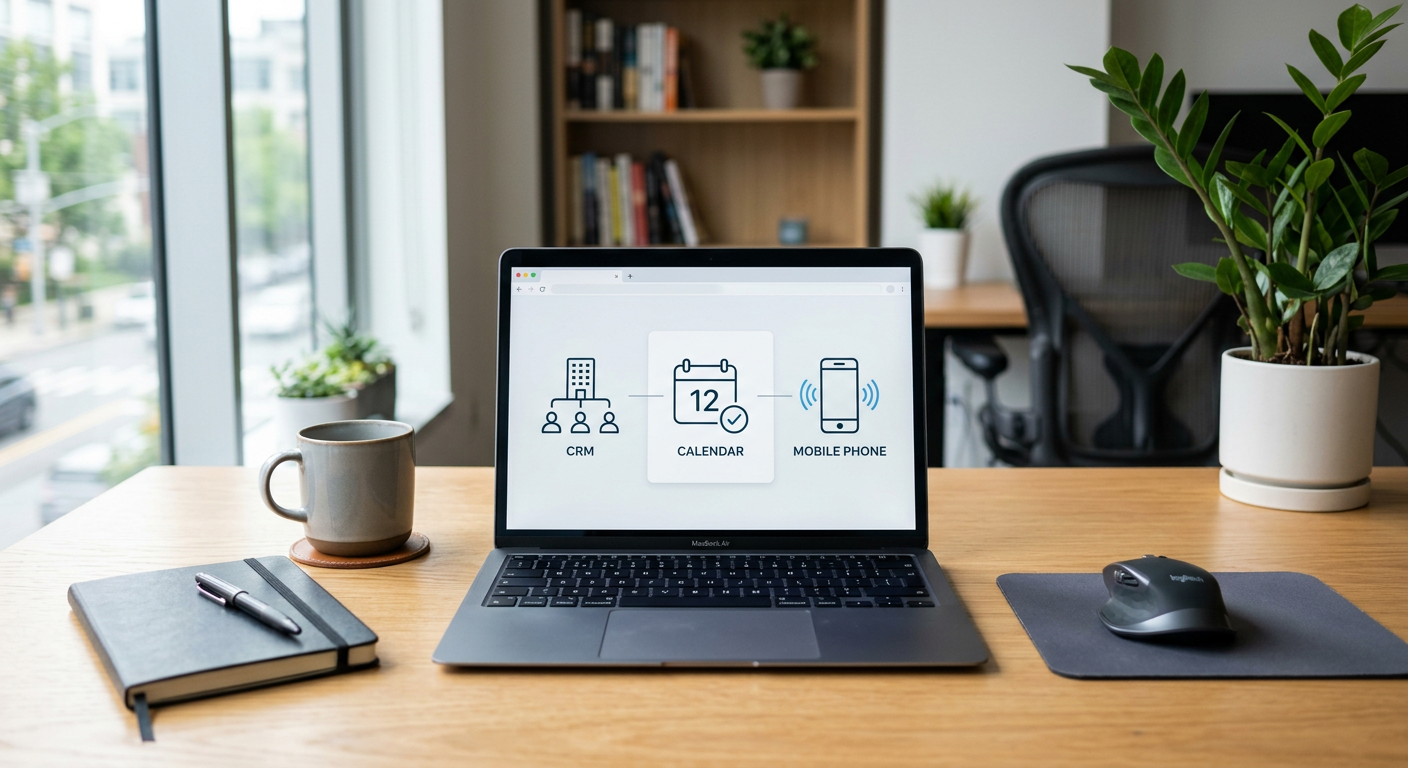
Yes, AI can connect the software you already use by acting as a smart bridge between your CRM, email, scheduling tools, and field service management platforms. Instead of just moving data from one box to another, AI interprets the information to trigger specific actions, such as updating a customer record or alerting a technician based on the content of an incoming message.
By Jon Pfeiffer, Founder of Pfeiffer Digital
Jon Pfeiffer is the founder of Pfeiffer Digital in Oconomowoc, Wisconsin. Before that he led partnerships and customer success at StellarAlgo, a data platform for pro sports teams, and OwnBackup, and ran customer success and sales at Quicket Solutions.
How does AI connect different software programs?
AI connects your software by using "connectors" or APIs to read data from one system and perform a reasoned action in another. Traditional automation follows a rigid "if this, then that" rule, but AI adds a layer of understanding. For example, if a customer emails about a leaking water heater, the AI identifies the urgency, checks your scheduling software for an open slot, and drafts a reply in your CRM without a human needing to copy and paste details between windows.
Most service businesses struggle with "data silos," where the office staff uses one tool and the field techs use another. AI sits in the middle of these automations to ensure that information flows where it needs to go. It can take a voice transcript from a phone call and automatically populate the correct fields in your job management software, ensuring the technician has the full context before they arrive at the job site.
Will I have to replace my current tools?
You do not need to replace your current tools to use AI; in fact, the best AI implementations are designed to sit beside the software you already trust. Whether you use ServiceTitan, Jobber, AppFolio, or standard tools like Outlook and Google Sheets, AI can usually plug into them. The goal is to make your existing software work harder for you rather than forcing your team to learn an entirely new platform.
When we look at business automation software, the focus is on interoperability. If your current software has an API—which most modern, cloud-based tools do—AI can talk to it. This means your investment in your current tech stack is protected, and you are simply adding a layer of intelligence to handle the repetitive data entry that usually eats up your staff's time.
What does this look like for a service business?
In a service business, AI connectivity looks like a "digital dispatcher" that never sleeps. When a lead comes in through a website form, the AI can instantly check your team's calendar, verify the service area, and send a booking link or a confirmation text. This happens while the data is simultaneously being logged in your CRM so your sales history stays accurate.
From the field: For a Wisconsin HVAC client, we deployed a system where 100% of inbound calls are answered, ensuring zero missed leads. When a no-heat emergency is identified by the AI, it reaches the on-call technician in under 60 seconds. This is done by connecting the phone system directly to the technician's mobile alerting tool, bypassing the need for a manual answering service to relay the message.
Can AI handle my back-office paperwork?
AI can handle back-office paperwork by extracting data from unstructured documents like PDFs and photos, then syncing that data with your accounting or inventory software. This is particularly useful for processing invoices and purchase orders. The AI reads the document, identifies the line items, and prepares the entry in your system for a human to review and approve.
From the field: A product distributor we work with now saves 50–75 hours a month on invoice and purchase order processing. The AI extracts the necessary data and prepares it for human review, eliminating the need for manual data entry. This ensures that the team spends their time verifying accuracy rather than typing numbers from a page into a screen.
What are the limitations of connecting software with AI?
The biggest limitation is that AI cannot fix "broken" data or software that is completely closed off from the internet. If your business relies on a legacy desktop program from twenty years ago that doesn't connect to the web, AI will struggle to talk to it. Additionally, AI is not a "set it and forget it" solution for every single edge case; it requires a human in the loop for final approvals, especially when it involves financial records or complex scheduling decisions.
Another tradeoff is the cost of complexity. While AI can connect almost anything, building a bridge for a process you only do once a month isn't worth the effort. We focus on high-volume, repetitive tasks where the time savings are obvious. If a process is highly emotional or requires deep technical judgment, it should stay with your human experts.
How do I know if my software is ready for AI?
Your software is likely ready for AI if it is cloud-based and allows for integrations. You can check this by looking for an "Integrations" or "API" section in your software settings. If you can currently connect your tool to something like Zapier or Quickbooks, it is almost certainly capable of being enhanced with AI.
- Cloud-based: You log in through a web browser or a modern app.
- API Access: The software provider allows other tools to "talk" to their data.
- Consistent Process: You have a clear, repeatable way you handle data between these tools.
- Human Oversight: You have a staff member available to review the AI's work before it is finalized.
What results can property managers expect?
Property managers can use AI to connect their marketing channels, like Facebook Marketplace or Zillow, directly to their leasing software. This prevents leads from falling through the cracks during busy seasons or after hours. The AI handles the initial inquiry, answers basic questions about pet policies or utilities, and schedules the showing.
From the field: At Penkert Properties, we saw 350+ leasing inquiries a month routed in under 60 seconds. This connectivity saved 50–100 hours a month across 19 communities. In one instance, they captured 12+ Facebook Marketplace leads in just two weeks because the AI was there to bridge the gap between the social platform and their internal tracking system instantly.
If you are tired of jumping between five different browser tabs just to get one job scheduled, it might be time to see how these tools can talk to each other. I offer a free 30-minute call to look at your current setup and tell you plainly if AI can help or if you're better off staying with your current manual process.
Frequently Asked Questions
How does AI actually talk to my existing software?
AI connects software by using APIs (Application Programming Interfaces) to read data from one tool and perform actions in another. Unlike basic automation, AI can 'understand' the context of the data—like recognizing an emergency in an email—and prioritize the action accordingly across your different platforms.
Do I need to buy new software to use AI?
In most cases, no. AI is designed to sit on top of or beside your current tools like ServiceTitan, Jobber, or AppFolio. As long as your software is cloud-based and has an API, AI can usually be integrated to handle the repetitive tasks between them.
What are the limitations of connecting software with AI?
AI is excellent for high-volume, repetitive tasks like routing leads, extracting data from invoices, or updating customer records. However, it is not a fit for legacy desktop software that doesn't connect to the internet, or for highly complex, one-off tasks that require deep human empathy and judgment.