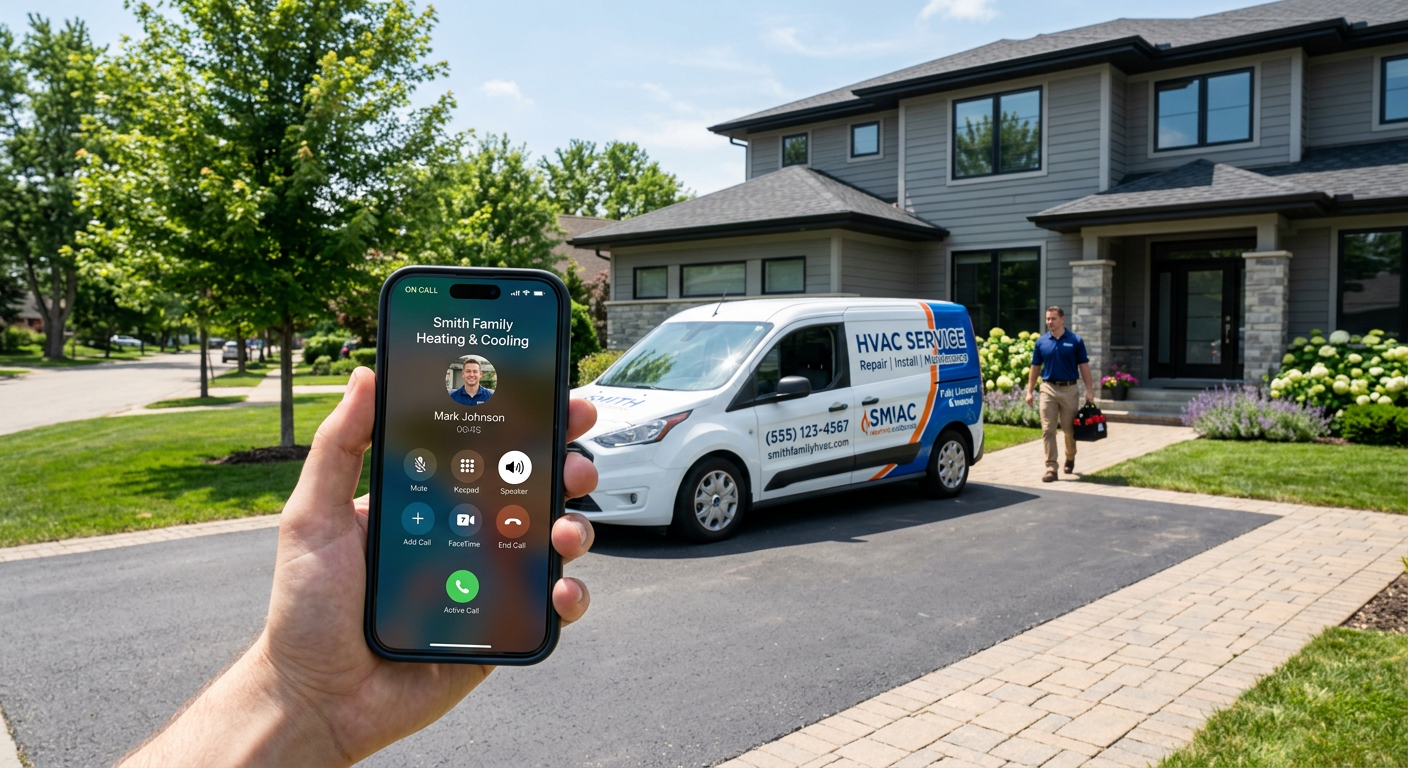
To stop losing calls during peak season, you must implement a system that provides instant response without relying on human availability. This is achieved by deploying a 24/7 AI receptionist that answers every call on the first ring, captures lead details, and routes urgent service requests to your team based on your specific dispatch rules.
See how our AI receptionist for small business answers calls and sends your team the details.
Why do traditional methods fail during the busy season?
Traditional methods fail because they rely on fixed human capacity to handle variable call volume. When temperature spikes drive HVAC demand or weather events trigger property maintenance requests, a human office staff of two or three cannot physically answer ten simultaneous calls. This leads to customers hanging up and calling the next competitor on their list.
Relying on an answering service often creates a bottleneck rather than solving one. While these services prevent a busy signal, they frequently result in inaccurate messages, long hold times for the caller, and high monthly costs that scale with volume. In contrast, an AI phone answering system for contractors handles unlimited concurrent calls, ensuring no customer is greeted with a busy signal or placed on hold.
What information must be captured to save a lead?
To save a lead during peak season, you must capture the customer’s name, contact information, the specific nature of their problem, and their location. AI systems are programmed to follow your specific intake script, ensuring every field is filled before the call ends. This data is then instantly delivered to your dispatch or CRM, allowing your team to prioritize high-value jobs immediately.
- Contact Details: Verified phone number and name.
- Job Type: Differentiation between a routine tune-up and a "no-heat" or "no-cool" emergency.
- Urgency: Identifying if the caller is an existing maintenance contract holder.
- Location: Ensuring the job falls within your service zip codes.
How does automated routing prevent lost revenue?
Automated routing prevents lost revenue by shortening the time between a customer’s problem and your technician’s arrival. During peak season, an average HVAC service ticket ranges from $400 to $1,200. If a call goes to voicemail and stays there for two hours, that revenue is likely gone as the homeowner moves down the Google search results to find someone who answers.
Systems can be configured to distinguish between a general inquiry and an emergency. For example, a "no-heat" call can be instantly escalated to the on-call technician via text or a direct transfer, while a billing question can be logged for the office staff to handle the following morning. This ensures your highest-paid employees spend their time on revenue-generating tasks rather than sorting through a crowded voicemail box.
Penkert Properties has 350+ leasing inquiries a month routed in under 60 seconds and saves 50–100 hours a month across 19 communities.
What are the limitations of using AI for phone calls?
AI is not a replacement for a skilled human dispatcher; it is a tool to ensure the dispatcher only talks to qualified leads. AI can struggle with extremely loud background noise, such as a caller standing next to a running generator, or very heavy accents that deviate from standard speech patterns. In these rare cases, the system is designed to gracefully capture what it can and flag the recording for immediate human review.
You should not use AI to handle complex legal disputes or high-conflict resident complaints that require deep emotional intelligence. Those calls should always be routed to a human manager. However, for the 90% of peak-season calls—which are usually "my AC is out" or "my toilet is leaking"—the speed of the AI response is more valuable to the customer than a conversation with a human who puts them on hold.
How do you prepare your business for this technology?
Before deploying an AI receptionist, you must have a clear handle on your internal escalation rules. You need to define exactly what constitutes an emergency and who should be notified when one occurs. The technology is only as effective as the instructions you provide it.
It is also helpful to review how HVAC companies handle after-hours calls to see where your current process has gaps. Once your rules are documented, the AI sits beside your existing tools. It does not replace your office staff; it protects their time so they can focus on scheduling and customer service rather than playing phone tag with new leads.
| Feature | Traditional Answering Service | AI Receptionist |
|---|---|---|
| Response Time | Variable (Hold times common) | Instant (First ring) |
| Concurrent Calls | Limited by staff count | Unlimited |
| Data Accuracy | Subject to human error | High (Transcribed and recorded) |
| Cost Structure | Per minute or per call | Predictable flat managed fee |
| CRM Integration | Manual entry or email only | Direct data sync available |
Does this frustrate the customer?
Modern AI for voice is indistinguishable from a helpful human for basic intake tasks. Customers are far more frustrated by a ringing phone that no one answers or a voicemail box that is full. By providing an immediate, polite response that acknowledges their problem and explains the next steps, you build trust immediately.
In service industries, the first company to respond usually wins the job. If your AI answers at 2:00 AM on a Saturday during a heatwave and tells the customer that a technician has been notified, that customer stops calling other companies. You have secured the lead because you provided the one thing they needed most: a response.
By Jon Pfeiffer, Founder of Pfeiffer Digital
Jon Pfeiffer is the founder of Pfeiffer Digital in Oconomowoc, Wisconsin. Before that he led partnerships and customer success at StellarAlgo, a data platform for pro sports teams, and OwnBackup, and ran customer success and sales at Quicket Solutions.
Frequently Asked Questions
How does an AI receptionist handle high call volume?
An AI receptionist answers every call on the first ring, follows your specific intake script to qualify the lead, and sends the details to your team. For emergencies, it can instantly transfer the call or alert the on-call technician. This ensures that even during high-volume periods, no customer is left waiting or forced to call a competitor.
Can the system distinguish between an emergency and a routine call?
The AI is programmed with your specific business rules. It asks the caller about the nature of their issue (e.g., "no heat" vs. "routine maintenance"). If the criteria for an emergency are met, the system follows your escalation path, such as texting the on-call tech or routing the call to a manager, ensuring urgent issues are handled in under 60 seconds.
Will my customers be frustrated talking to an AI?
Most customers prefer a fast, helpful AI interaction over a long hold time or a voicemail. During peak season, the primary goal for the caller is to know their problem has been recorded and help is on the way. By providing an instant response and clear next steps, the AI builds more trust than a missed call ever could.