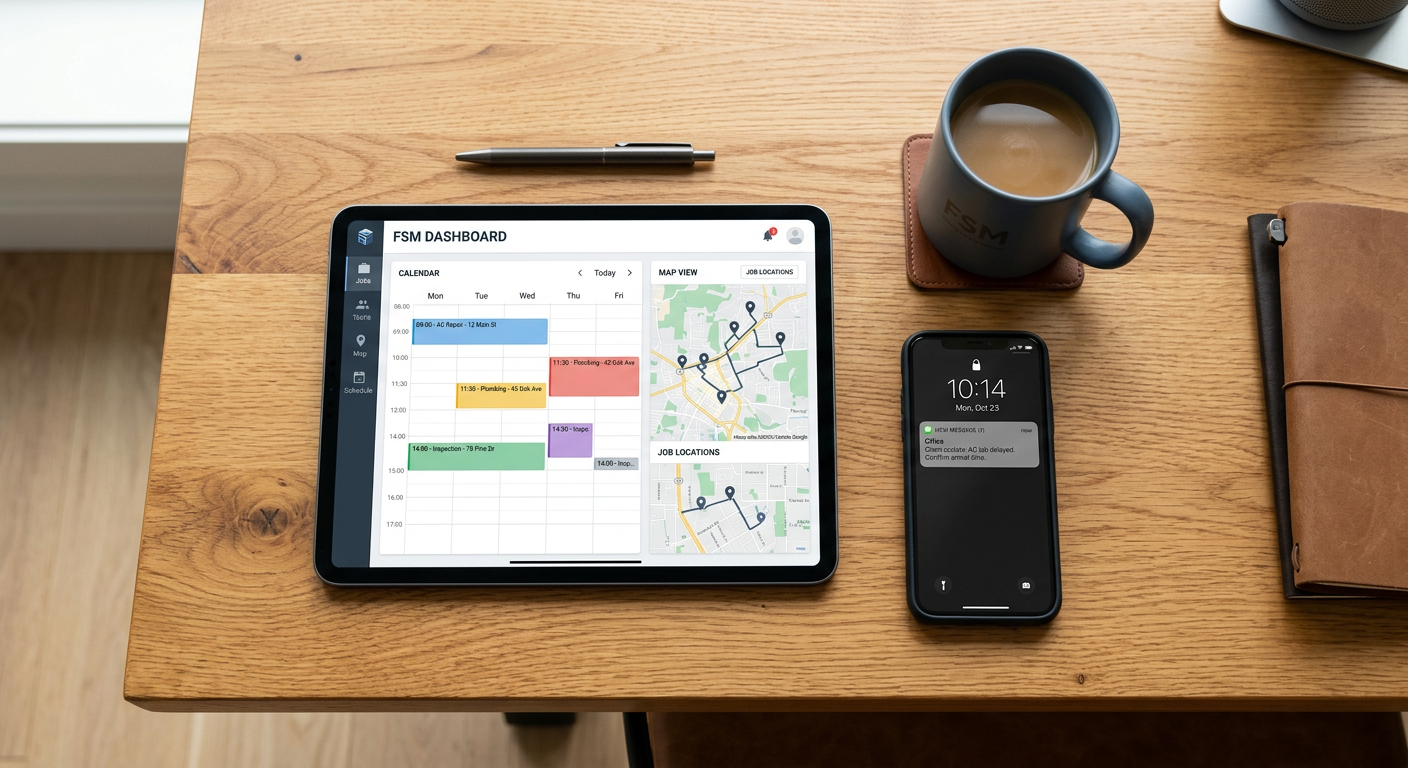
Yes, AI automation can connect to Housecall Pro through its official API and third-party integrators like Zapier. These connections allow you to automatically sync customer data, trigger follow-up messages based on job status, and update your field service records without manual data entry.
See how our AI receptionist for small business answers calls and sends your team the details.
How does the connection between AI and Housecall Pro actually work?
The connection works by using "triggers" and "actions" to move information between Housecall Pro and your AI tools. When an event happens in Housecall Pro—like a new lead coming in or a job being marked as finished—the system sends a signal to your automation platform. That platform then tells your AI agent or database to perform a specific task, such as drafting a personalized follow-up email or updating a spreadsheet.
Most service businesses use automations to bridge the gap between their office software and their field staff. For example, if a customer books an appointment through your website, an AI tool can read the request, check it against your Housecall Pro schedule, and confirm the details with the customer via text before the job even appears on your technician’s dashboard. This keeps your data clean and reduces the time your office staff spends on the phone.
What specific tasks can you automate in Housecall Pro?
You can automate lead intake, customer review requests, and appointment reminders by linking AI to your Housecall Pro account. When a new lead hits your system, AI can instantly categorize the urgency of the request. For an HVAC company, this might mean identifying a "no-heat" emergency and ensuring it gets prioritized over a routine maintenance quote.
- Lead Management: Automatically import leads from Facebook or your website directly into Housecall Pro as "Customers" or "Leads."
- Follow-ups: Send a personalized AI-generated thank you note or a request for a Google review once a job is marked "Finished."
- Data Cleanup: Ensure that addresses and phone numbers are formatted correctly before they are saved to your database.
- Reporting: Push job totals and technician performance data into a custom dashboard for a weekly high-level view.
Does every Housecall Pro plan support AI automation?
No, your ability to connect AI depends on which Housecall Pro plan you pay for. Housecall Pro limits API access—the "doorway" that allows different software to talk to each other—to their higher-tier plans. If you are on a basic or "Start" plan, you may find that you cannot easily send data out to other tools without upgrading your subscription.
Before you invest in custom AI tools, check your Housecall Pro settings to see if "App Store" or "API" access is enabled. If it isn't, you will likely need to account for a higher monthly software cost from the vendor to make automation possible. This is a common hurdle for smaller shops that are just starting to scale their operations.
What are the limitations of Housecall Pro automation?
The biggest limitation is that you cannot always "write" every type of data back into Housecall Pro. While it is easy to "read" that a job was completed, some specific fields, like custom line items in an estimate or complex technician schedules, can be harder to update automatically. The API is robust, but it is not a 1:1 mirror of everything you can do manually in the mobile app.
Another tradeoff is the "Human in the Loop" requirement. You should never let an AI tool automatically send an invoice or change a price without a person looking at it first. Automation should handle the repetitive data moving, but a human should always be the one to hit "send" on anything involving your money or your customer's bill.
From the field: At Pfeiffer Digital, we have seen how these systems work in real-world settings. For a Wisconsin HVAC client, we ensured 100% of inbound calls were answered with zero missed leads since deployment, and no-heat emergencies reach the on-call tech in under 60 seconds. This works because the AI handles the initial intake and then hands the "vetted" information over to the human team.
How does this help a trades business owner?
For an owner with 10 or 20 trucks, the value is in the "hidden" hours spent on administrative cleanup. If your office manager spends two hours a day moving data from an intake form into Housecall Pro, that is ten hours a week that could be spent on higher-value tasks like sales or fleet management. Automation removes the "copy-paste" work that leads to typos and missed appointments.
Understanding what is workflow automation for small business is key to seeing where Housecall Pro fits into the larger picture. It isn't just about the one app; it’s about how your phone system, your CRM, and your accounting software all work together as a single unit. When these systems talk to each other, you stop losing leads in the cracks between different apps.
Is it better to use a pre-built integration or a custom one?
Most businesses should start with pre-built tools like Zapier or the Housecall Pro App Store. These are "low-code" solutions that allow you to build basic workflows—like "If New Lead, then Create Customer"—without hiring a developer. They are easier to maintain and cheaper to set up.
You only need a custom AI connection if you are trying to do something highly specific, like using a large language model to analyze photos of a job site to suggest parts for an estimate. For 90% of service businesses, the standard integration tools provide more than enough power to save significant time each month.
| Automation Goal | Housecall Pro Trigger | AI Action |
|---|---|---|
| Lead Response | New Lead Created | Send instant "we're on it" text |
| Review Growth | Job Status: Finished | Check sentiment and send review link |
| Emergency Routing | Incoming Web Request | Identify "Emergency" and alert tech |
| Data Entry | New Customer Record | Format address and tag by zone |
By Jon Pfeiffer, Founder of Pfeiffer Digital
Jon Pfeiffer is the founder of Pfeiffer Digital in Oconomowoc, Wisconsin. Before that he led partnerships and customer success at StellarAlgo, a data platform for pro sports teams, and OwnBackup, and ran customer success and sales at Quicket Solutions.
Get your free AI audit. If automation isn't the right fit for your current volume or tech stack, I'll tell you straight during our 30-minute call.
Frequently Asked Questions
How do I link Housecall Pro to AI?
You can connect Housecall Pro to AI tools using their official API or through integrators like Zapier. This allows you to set up 'if-this-then-that' workflows where events in Housecall Pro trigger AI tasks, such as drafting follow-up emails or updating customer records.
Do I need a specific plan to use automation?
Generally, yes. Housecall Pro typically restricts API and third-party integration access to their higher-tier plans. If you are on a basic starter plan, you may need to upgrade to enable the 'App Store' or API features required for AI automation.
What can I actually automate in Housecall Pro?
Common automations include instantly importing leads from web forms, sending automated text follow-ups when a job is marked 'finished,' and routing emergency requests to technicians based on keywords in the customer's message.