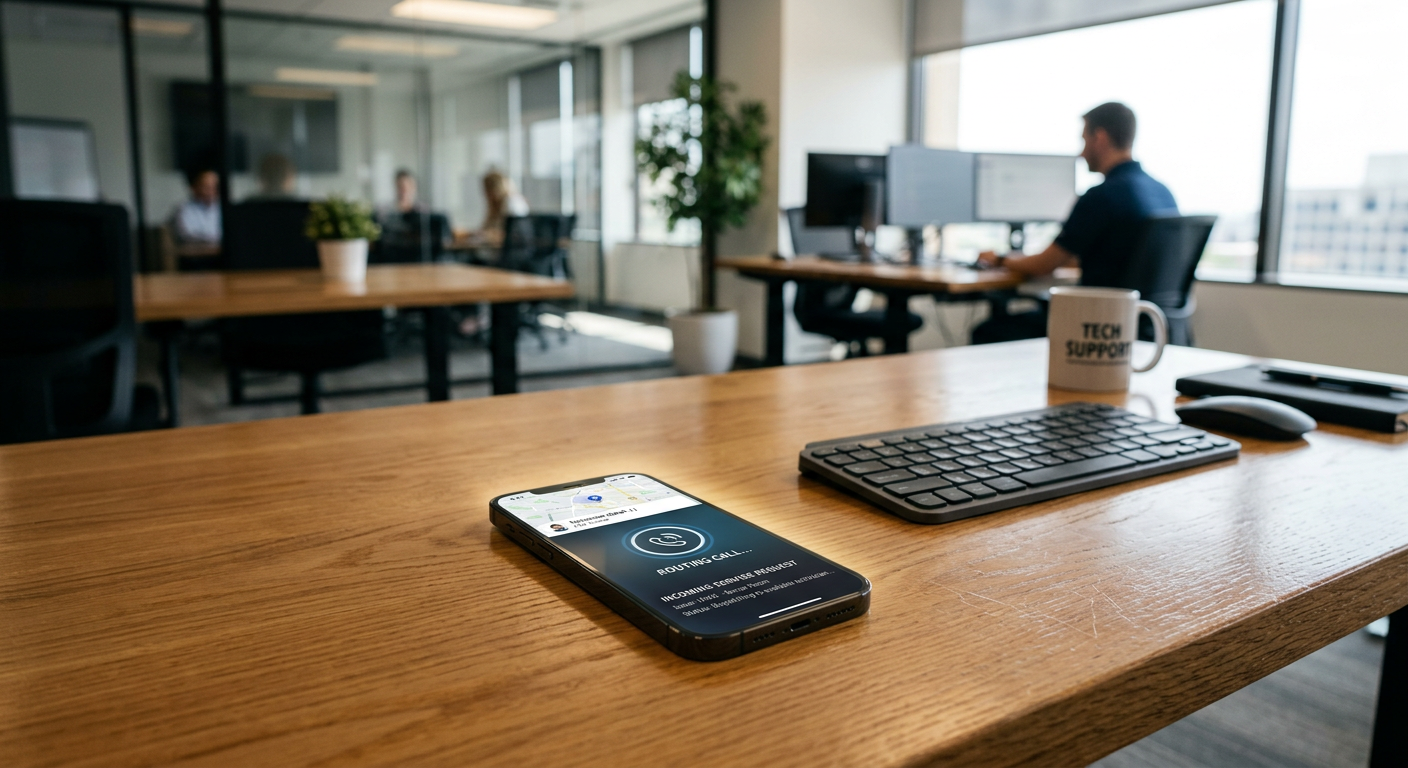
Yes, an AI receptionist can transfer calls to specific team members or departments based on the caller's needs. The system uses a live phone connection to bridge the caller to your office or a technician’s mobile phone once it identifies that a human conversation is necessary.
See how our AI receptionist for small business answers calls and sends your team the details.
By Jon Pfeiffer, Founder of Pfeiffer Digital
\nJon Pfeiffer is the founder of Pfeiffer Digital in Oconomowoc, Wisconsin. Before that he led partnerships and customer success at StellarAlgo, a data platform for pro sports teams, and OwnBackup, and ran customer success and sales at Quicket Solutions.
\n\nHow does the call transfer process work?
\nThe transfer happens through a programmed logic tree where the AI listens for specific keywords or intents. When a caller asks for a specific person or mentions an emergency, the AI places the caller on a brief, silent hold and dials the programmed number for that staff member. If the staff member answers, the AI introduces the call and connects them; if they don't, the AI can take a message or try the next person on an escalation list.
\n\nFor service businesses like HVAC or plumbing, this means the system acts as a smart filter. It handles the routine questions about service areas and pricing first. If the caller says, "My furnace is leaking," the voice agents recognize the urgency and initiate a transfer immediately to the on-call technician.
\n\nCan it distinguish between an inquiry and an emergency?
\nAI receptionists distinguish between inquiries and emergencies by analyzing the language used by the caller against your predefined business rules. You decide what constitutes a "transfer-worthy" event. For example, a request for a quote might be handled by the AI scheduling an appointment, while a report of a "water main break" triggers an immediate transfer to a supervisor.
\n\nThis prevents your team from being interrupted by low-value calls. The AI manages the top of the funnel, ensuring that when your phone actually rings, it is for a high-priority reason that requires your specific expertise. This is particularly useful for how HVAC companies handle after-hours calls, where a missed emergency can mean a lost customer.
\n\nWhat happens if the team member doesn't answer?
\nIf a team member is unavailable to take the transferred call, the AI can follow a customized "if-then" workflow. It can offer to take a recorded message, send a transcript of the caller's request via text or email, or attempt to dial a secondary "backup" number. This ensures that the caller is never left in a dead-end loop or sent to a generic voicemail box that no one checks.
\n\nFrom the field: At a Wisconsin HVAC client, 100% of inbound calls are answered regardless of the time of day. Since deployment, they have had zero missed leads, and no-heat emergencies reach the on-call technician in under 60 seconds.
\n\nWhich phone systems are compatible with AI transfers?
\nMost modern VoIP and cloud-based phone systems are compatible with AI call transfers. The setup typically involves a "find-me/follow-me" or "simultaneous ring" configuration within your existing provider. The AI sits as a layer in front of your system, receiving the call first and then passing it through to your extensions or mobile devices as needed.
\n\nCommonly supported features include:
\n- \n
- Warm transfers (AI introduces the caller to the staff member). \n
- Cold transfers (Direct handoff to the extension). \n
- Text-back notifications if the transfer fails. \n
- Call recording and transcription for the entire interaction. \n
What are the limitations of AI call routing?
\nAI is not a fit for businesses where every caller expects a specific, high-touch relationship from the first second of the call. If your business relies on a "concierge" feel where the receptionist needs to recognize a client's voice or remember a personal detail from three years ago, an AI will feel too impersonal. It is also a poor fit if your team frequently changes their availability throughout the day without updating a central calendar or status, as the AI will continue to attempt transfers to people who aren't there.
\n\nHow do you set up the transfer rules?
\nSetting up rules requires mapping out your most frequent call types and deciding who should handle them. You provide the AI with a list of "keywords" and "intents." For a property management firm, "rent payment" might stay with the AI to provide a payment link, while "maintenance emergency" gets routed to the property manager.
\n\n\n \n \n \n \n \n \n \n \n \n \n \n \n \n \n \n \n \n \n \n \n \n \n \n \n \n \n \n \n \n| Call Type | AI Action | Transfer Destination |
|---|---|---|
| General Inquiry | Answer & Log | None (Email Summary) |
| New Lead/Quote | Schedule Appointment | Sales Team (Optional) |
| Emergency Service | Verify Address | On-Call Technician |
| Billing Question | Provide Link | Office Manager |
The goal is to ensure the AI only transfers calls that a human must handle. This keeps your staff focused on high-value work rather than acting as a switchboard operator.
\n\nIf you are unsure if your current volume justifies an automated system, we can look at your call logs together. Get your free AI audit.
Frequently Asked Questions
What if the first person on the transfer list doesn't answer?
Yes, the AI can be programmed with an escalation list. If the primary contact doesn't answer, the AI can automatically dial a secondary or tertiary number. If no one answers the chain, the AI takes a detailed message, transcribes it, and sends it to your team via text or email so you can respond as soon as you're free.
Can the AI introduce the caller to my team before connecting?
A 'warm transfer' is when the AI speaks to your team member first—explaining who is on the line and what they need—before connecting the caller. Most advanced AI receptionists support this, allowing your staff to be fully prepared before they even start talking to the customer.
Can I control when the AI is allowed to transfer calls?
You can set 'quiet hours' or specific schedules for transfers. For instance, you might allow transfers to technicians during the day but only route true 'no-heat' or 'flood' emergencies to the on-call phone after 8 PM. Everything else is handled by the AI taking a message for the next business day.