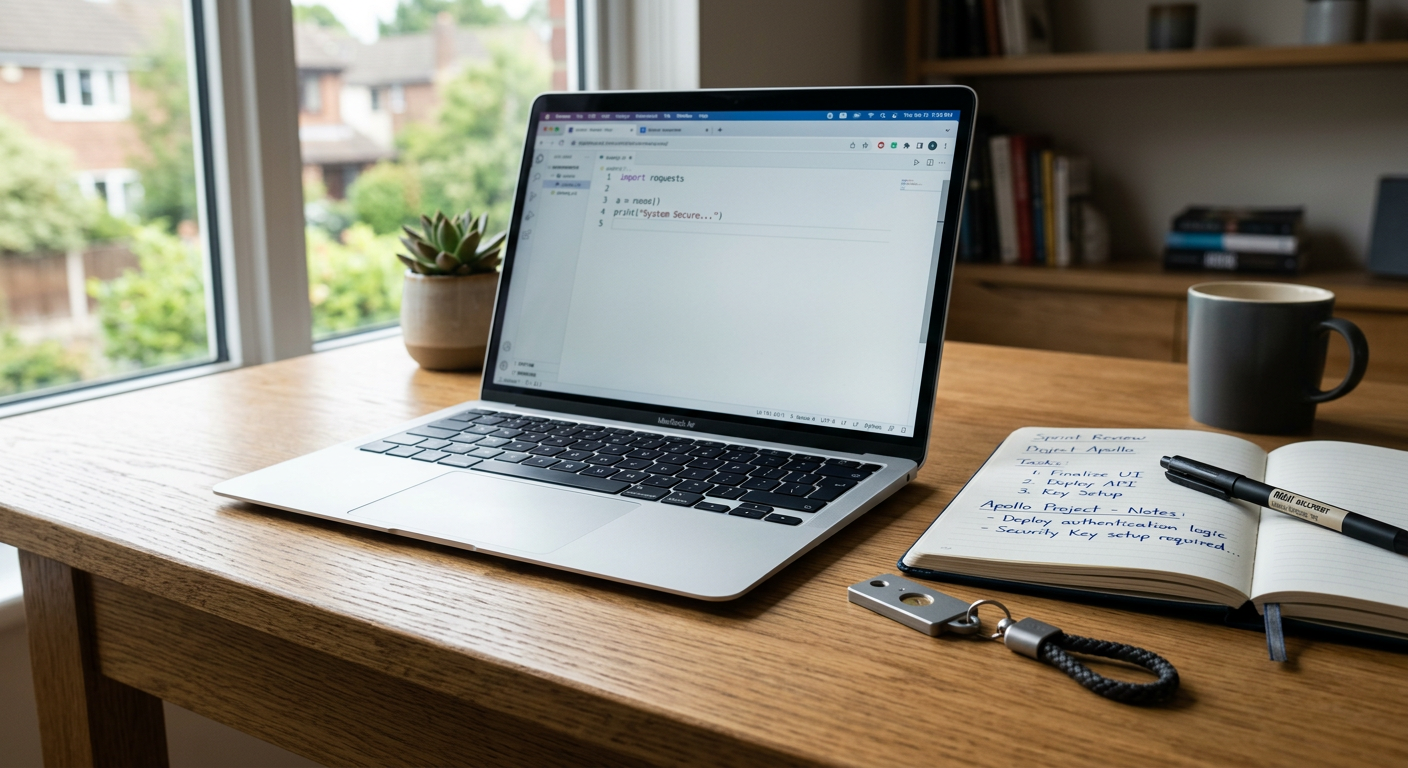
Welcome to Today's AI Tech for Your Business. This week, the conversation shifted from "flashy" AI features to "private" AI infrastructure. As an SMB owner, you need tools that respect your data, especially if you handle patient records, legal documents, or sensitive client financials. The highlight of the week was Mistral’s release of Pixtral and updated small models, making local, private AI faster and more accessible for non-technical businesses.
The one that matters: Mistral AI for business
Mistral is a French AI company that does things differently than OpenAI or Google. They build "open-weight" models. This is a technical way of saying they give you the blueprints so you can run the AI on your own secure servers instead of theirs. This week, they solidified their position as the go-to choice for Mistral AI for business applications that require strict privacy.
If you run a medical clinic, a law firm, or a property management group, you likely have data you aren't comfortable uploading to a public cloud. Mistral’s new Pixtral model can "see" images—like a photo of a plumbing leak or a scanned insurance card—and extract the data without that information ever leaving your control. This is a massive win for privacy-sensitive SMB workflows.
The cost is the best part. Because these models are efficient, they are significantly cheaper to run than GPT-4. We are seeing businesses move their routine document matching and data extraction to Mistral to cut their monthly API costs while increasing their data security. You get the intelligence of a high-end AI with the privacy of a locked filing cabinet.
Also this week
- Google Gemini updated its 1.5 Flash model: The speed increased and the price dropped. For SMBs, this means the "instant" chat responses in your customer service bots just got cheaper to maintain.
- Microsoft announced "Correction" for AI hallucinations: This tool checks AI output against your actual company documents. It helps ensure the bot doesn't tell a customer a price that isn't in your official price list.
- OpenAI released "Advanced Voice" to more users: This allows for more natural, human-like conversations. While cool, it is currently better for brainstorming than for high-stakes customer support calls.
- NotebookLM added audio overviews: You can now turn a folder of PDFs into a podcast-style summary. It is a great way for busy owners to "listen" to a complex vendor contract or a long industry report while driving between job sites.
What to do about it this week
- Audit your data sensitivity: Look at where you use AI today. If you are putting patient names or social security numbers into a public tool, stop immediately.
- Test a private model: If you use document extraction for matching invoices to purchase orders, ask your developer to test Mistral. A human should always review these before they hit your accounting system, but Mistral can do the heavy lifting privately.
- Check your voice bot speed: If you use an AI receptionist, the Gemini 1.5 Flash update might make your bot feel more "human" by reducing the delay between a customer speaking and the bot responding.
- Get your free AI audit: If you want to know which of these tools actually fits your specific workflow, Get your free AI audit with us here. Our Free AI Audit is a free 30-minute call with Jon to look at where your business is losing time or leads and map where AI fits. You leave with a straight recommendation. No cost, no obligation.
What to ignore
- The "AI will replace your whole staff" headlines: This week’s updates are about making your current staff faster, not replacing them. We still see the best results when AI recovers 4-10 hours per week for an employee so they can focus on higher-value tasks.
- Autonomous AI Agents: There is a lot of hype about bots that can "act" on your behalf without supervision. For SMBs, this is dangerous. Always keep a human in the loop, especially for anything involving money or client communication.
By Jonathan Pfeiffer, Founder of Pfeiffer Digital
Last updated: 2026-09-25
Pfeiffer Digital helps SMBs build custom AI automations that drive real ROI. Whether you need an AI receptionist or internal tool, we focus on tech that works. Learn more about our audit process to get started.
Frequently Asked Questions
What is Mistral AI and why should a small business care?
Mistral AI is a French company that builds high-performance AI models. Unlike some competitors, Mistral allows businesses to run their models "locally" or on private servers. For a small business owner, this means you can use AI to summarize documents or analyze data without your sensitive information being stored on a public cloud. It is a top choice for privacy-sensitive industries like healthcare and law.
How does Mistral help with data privacy?
Private AI (like Mistral) is essential if you handle HIPAA-protected data, legal documents, or proprietary financial records. Standard AI tools often "learn" from the data you give them. Mistral models, when deployed correctly by a partner like Pfeiffer Digital, ensure your data stays within your control, reducing the risk of data leaks while still providing the speed of automation.
What are specific use cases for Mistral in a service business?
You can use Mistral to automate back-office document extraction, such as matching a vendor invoice to a purchase order. It can also be used to summarize long client files or power a private customer service bot. We often see these workflows recover 4 to 10 hours per week for office managers by removing the need for manual data entry.
Is Mistral AI more expensive than ChatGPT?
Mistral models are generally more efficient than larger models like GPT-4. This means they require less computing power and are often cheaper to run per "request." For an SMB, this translates to lower monthly bills for AI tools and faster response times for internal automations. It is a cost-effective way to get high-level intelligence.
Do I need a technical background to use Mistral?
While you can use Mistral through a simple web interface, the real power for SMBs comes from integrating it into your specific workflows. This usually requires a developer to set up the private environment. At Pfeiffer Digital, we handle this setup for our clients, ensuring the AI is tailored to their specific data and privacy needs.