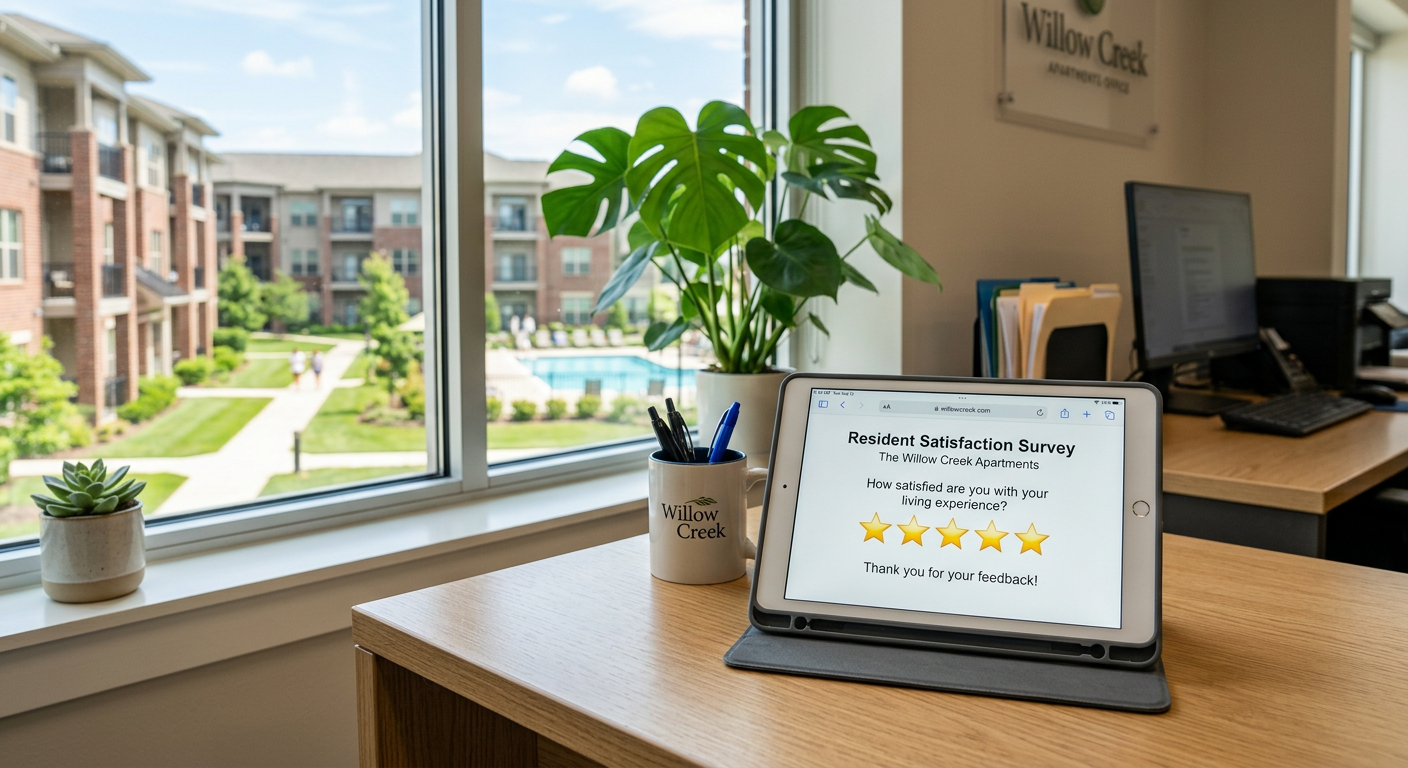
Yes, AI can automatically send resident surveys by monitoring specific data triggers within Rent Manager. By using a read-only integration, an AI system detects events like a completed move-in, a closed maintenance ticket, or a lease renewal and immediately dispatches a survey via text or email without manual entry from your staff.
How does the Rent Manager integration trigger surveys?
The system works by scanning your Rent Manager database for status changes at pre-set intervals. When a property manager marks a work order as "Closed" or a new tenant reaches their "Move-in Date," the AI identifies the change and pulls the resident's contact information to send the survey. This removes the need for office staff to remember to send follow-up emails at the end of every week.
Because the connection is read-only, the AI does not change your data or mess with your accounting. It simply listens for the event and acts as a bridge to your communication tools. This ensures that every resident is asked for feedback at the exact moment their experience is freshest, rather than waiting for a monthly batch report.
What types of surveys can be automated?
Automated surveys are most effective when tied to specific milestones in the resident lifecycle. You can set up unique workflows for different stages of the rental journey to get a complete picture of your portfolio's performance.
- Move-in Surveys: Sent 48 hours after the lease start date to catch issues with unit cleanliness or move-in instructions.
- Maintenance Follow-ups: Sent immediately after a work order is closed in Rent Manager to rate the technician’s speed and quality.
- Renewal Surveys: Triggered 90 days before a lease expires to gauge sentiment before the formal renewal offer is sent.
- Move-out Surveys: Sent after the security deposit is processed to understand why the resident chose to leave.
How do AI surveys help with Google Reviews?
AI systems can filter feedback so that only the most positive experiences are encouraged to go public. When a resident submits a 5-star rating through an internal survey, the system can automatically prompt them to copy that feedback to your Google Business Profile.
From the field: Our custom platform, Penkert Pulse, manages the resident experience across 19 properties and 800+ units. It connects to Rent Manager via a read-only integration to monitor these touchpoints. The system can automatically publish responses to 5-star Google reviews, while any review between 1 and 4 stars is immediately routed to the property management team for human review and approval. This ensures the team can address concerns privately before they escalate.
Can AI handle the negative feedback too?
AI should not be left to handle unhappy residents on its own. While the system can collect the data, a human operator needs to step in when a resident reports a poor experience. The value of the AI is not in replacing the conversation, but in alerting you that a conversation needs to happen.
When a survey score falls below a certain threshold, the AI can flag the response in your team’s internal communication channel or create a task in Rent Manager. This allows your team to recover a relationship before the resident decides to vacate or post a negative public review. You can see more examples of how these workflows operate on our AI answers page.
Common Resident Survey Triggers
| Rent Manager Event | Survey Timing | Primary Goal |
|---|---|---|
| Work Order Status: Closed | Immediate | Verify repair quality |
| Unit Status: Leased | 2 Days Post-Move | Confirm move-in satisfaction |
| Lease End Date | 90 Days Prior | Predict renewal intent |
| Move-Out Date | 24 Hours Post-Move | Identify churn reasons |
Where does this automation fail?
Automation fails when your data in Rent Manager is messy or incomplete. If your team forgets to close work orders or enters the wrong email addresses, the AI will either send surveys to the wrong people or fail to send them at all. The AI is only as reliable as the data entry habits of your leasing agents and maintenance techs.
Another limitation is "survey fatigue." If you trigger a survey for every single minor interaction, residents will stop responding. It is usually better to limit automated surveys to high-impact events like move-ins and renewals, rather than every time a lightbulb is changed. If your portfolio is small—perhaps under 50 units—the cost of setting up these integrations likely won't be offset by the time you save.
What should you look for in a survey tool?
Before choosing a solution, ensure it doesn't require a "write" integration to Rent Manager unless absolutely necessary. A read-only integration is safer because it eliminates the risk of an external tool accidentally deleting tenant records or changing ledger balances. You want a system that sits beside your existing tools, not one that tries to replace them.
For mid-size operators, look for systems that can recover time for your staff. Most of our clients see 4-10 hours per week recovered per person by automating these types of back-office workflows. This allows your property managers to focus on physical property inspections and resident retention instead of data entry.
By Jon Pfeiffer, Founder of Pfeiffer Digital. Jon is a former product leader at Disney and Amazon who now builds practical AI tools for service businesses and property managers.
Get your free AI auditFrequently Asked Questions
How does the AI know when to send a survey?
AI connects to Rent Manager via a read-only API. It monitors specific fields, such as 'Work Order Status' or 'Move-in Date.' When those fields update, the AI triggers a survey through your integrated communication platform (SMS or email).
Is it safe to connect AI to my Rent Manager data?
Yes. A read-only integration is the safest way to automate surveys. It allows the AI to see the data it needs to trigger a message without having the permission to change, delete, or add any data to your Rent Manager database.
Does the AI handle negative feedback?
While the AI can send the survey and collect the score, humans should always handle the follow-up for low scores. The AI can be programmed to alert a manager immediately if a resident submits a 1-star or 2-star rating, ensuring the problem is addressed quickly.