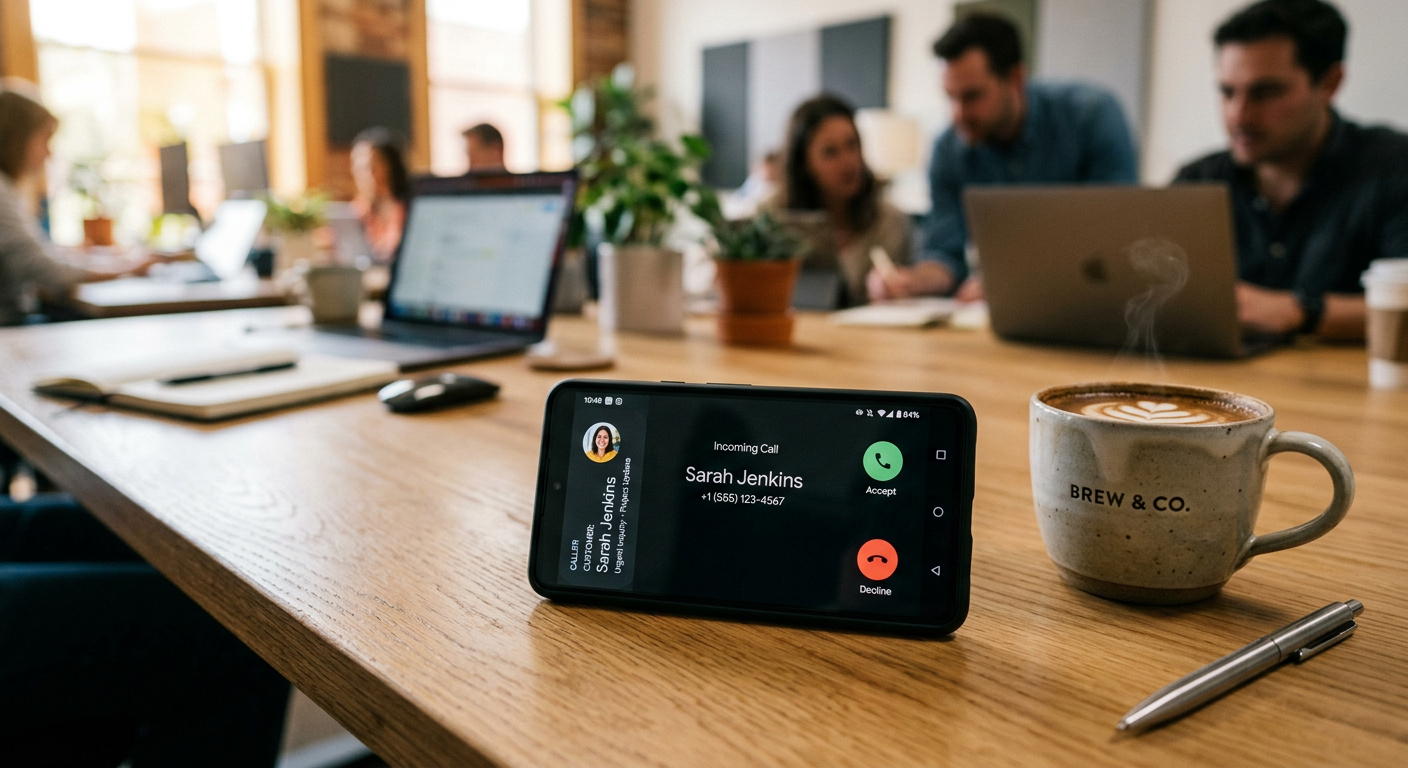
Quick Answer: The OpenAI Realtime API is a tool that allows developers to build AI voice agents that talk and listen with human-like speed and tone. For small businesses, it enables low-latency voice assistants that can handle customer service calls, book appointments, and answer questions without the robotic delays seen in older AI systems.
OpenAI Realtime API is a specialized programming interface released by OpenAI, the creators of ChatGPT. It falls into the category of "Speech-to-Speech" technology. Unlike older systems that had to transcribe your voice to text, think about a response, and then turn that text back into speech, this API handles everything in one fluid motion. This eliminates the awkward 2-3 second pauses that usually tip off a caller that they are talking to a machine. It allows a computer to understand not just your words, but your tone, your pace, and when you interrupt it, making for a natural conversation that feels remarkably human.
What problem does OpenAI Realtime API solve for small businesses?
The OpenAI Realtime API solves the "leaky bucket" problem of missed revenue caused by unanswered phone calls and slow lead response times. Most small businesses lose 20-30% of their potential revenue simply because they cannot get to the phone fast enough or lack 24/7 coverage.
- Missed After-Hours Leads: If a pipe bursts at 2 AM and your HVAC company doesn't answer, the customer calls your competitor. This API allows for a voice agent that answers instantly, assesses the emergency, and schedules the technician.
- Staff Burnout from Routine Questions: Your front desk spends hours answering "Where are you located?" or "Do you have my part in stock?" An AI voice agent handles these repetitive queries, freeing your team for complex work.
- High Cost of Call Centers: Outsourced call centers are expensive and often lack specific knowledge of your business. A custom voice agent built on this API costs a fraction of a human staffer but has perfect memory of your pricing and services.
How much does OpenAI Realtime API cost?
The cost of OpenAI Realtime API is based on usage, meaning you only pay for the minutes your AI spends talking to customers. For a typical small business, the software costs range from $0.06 to $0.20 per minute of conversation, depending on whether you use the full-featured models or optimized versions.
| Cost Type | OpenAI Realtime (Direct) | Traditional Answering Service |
|---|---|---|
| Monthly Base Fee | $0 (Pay-as-you-go) | $150 - $500 |
| Cost Per Minute | ~$0.10 - $0.20 | $1.25 - $2.50 |
| Setup / Implementation | $1,500+ (Professional Build) | $0 - $100 |
Want help deploying OpenAI Realtime API this week? Get your free AI audit.
How to deploy OpenAI Realtime API in your business this week
You can start using high-quality AI voice today by choosing between a DIY setup or a custom-integrated solution for your specific workflow.
- The DIY Sandbox: Visit the OpenAI Playground online. You can test the "Realtime" feature right in your browser for free to see how the voice sounds and how it handles your specific business data.
- Low-Code Connection: Use a tool like Vapi or Retell AI. These platforms sit on top of the OpenAI Realtime API and allow you to connect a phone number to the AI voice without writing heavy code. You can set this up in an afternoon.
- CRM Integration: Connect the voice agent to your actual business tools. This allows the AI to look at your calendar, check your inventory in real-time, and update your customer records automatically.
- Pfeiffer Digital Implementation: Have us build and monitor a custom agent for you. We handle the technical "wiring," prompt engineering to ensure it follows your brand voice, and integration with your specific CRM. Typical builds take 1–3 weeks, starting at $1,500/mo.
Real example: how a Milwaukee Property Manager used OpenAI Realtime API
Having built automations for Disney, Amazon, and the NBA, I've learned that the best tech is the tech that solves a boring problem perfectly. We recently worked with a property management firm in the Milwaukee area that was drowning in maintenance calls. During the winter, their phone lines were constantly busy with tenants reporting heater issues.
We implemented a voice agent using the OpenAI Realtime API. When a tenant called, the AI listened to the problem, determined if it was an emergency (like a gas leak or burst pipe), and automatically created a high-priority ticket in their management software. If it was a non-emergency, the AI walked the tenant through basic troubleshooting—like checking a circuit breaker—before scheduling a service call for the next day. The owner saw a 60% reduction in non-emergency calls reaching his personal cell phone on weekends.
Common mistakes to avoid with OpenAI Realtime API
Avoid these frequent pitfalls to ensure your customers actually enjoy talking to your AI voice agent.
- Forgetting the "Escape Hatch": Always give the caller a way to speak to a real human. If the AI gets stuck, it should offer to transfer the call or take a message for a callback immediately.
- Overly Long Prompts: Giving the AI too much information at once can make it "hallucinate" or lose track of the conversation. Keep instructions simple and focused on one goal (e.g., booking an appointment).
- Ignoring Latency: While the Realtime API is fast, your internet connection or third-party tools can add delays. Test your system on a mobile phone with a weak signal to see how it performs in the real world.
Ready to reclaim your time? Book a 30-min call with Jon to scope a OpenAI Realtime API build for your business.
Frequently Asked Questions
What is the OpenAI Realtime API?
OpenAI Realtime API is an interface that allows for near-instant, natural voice conversations between humans and AI. Unlike older systems, it processes audio directly, eliminating the awkward pauses that usually signal a robotic caller.
Is it good enough to answer business calls?
Yes. Because it understands tone and context, it can handle complex conversations like scheduling service calls, troubleshooting common issues, and qualifying leads, all while sounding remarkably human.
How much does it cost per minute?
You only pay for what you use. The API costs roughly $0.06 to $0.20 per minute of conversation. This is significantly cheaper than hiring a 24/7 answering service or a full-time receptionist.
Do I have to tell customers they are talking to an AI?
While it sounds very human, transparency is key. We recommend your AI agent introduces itself as an assistant to build trust and set clear expectations for the caller.
How long does it take to set up?
A professional implementation usually takes between 1 and 3 weeks. This includes training the AI on your specific business knowledge and connecting it to your existing booking or CRM software.