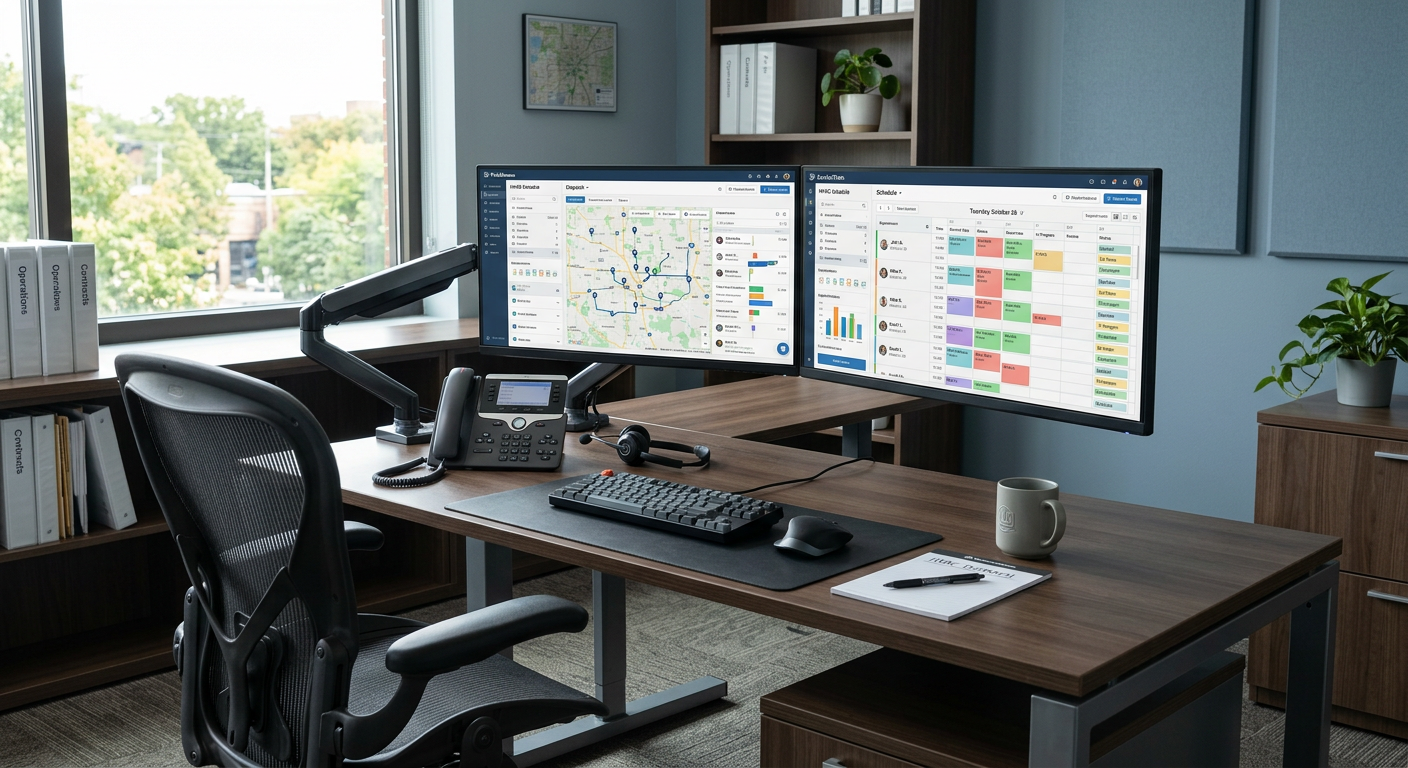
AI automation works with ServiceTitan primarily through the platform's Open API and developer tools, allowing businesses to sync job data, customer information, and scheduling with external AI agents. Whether these automations function seamlessly depends on your ServiceTitan tier—specifically having access to the API—and the specific endpoints the platform exposes for third-party developers. By connecting AI tools to these endpoints, you can automate lead intake, appointment reminders, and back-office data entry without manual intervention.
Can AI tools read and write data in ServiceTitan?
Yes, AI tools can interact with ServiceTitan data, but the level of access is determined by your specific ServiceTitan subscription and API permissions. ServiceTitan provides an API (Application Programming Interface) that acts as a bridge, allowing an AI receptionist or a document automation tool to "talk" to your dispatch board and customer database. For most service businesses, this means an AI can check for existing customer records, see available time slots, and create new job entries based on a conversation or a digital form.
To make this work, your automation partner needs to register as a developer or use your specific environment credentials to establish a secure link. Once connected, the AI can perform tasks like updating a customer's address or logging the details of a service call. This reduces the need for office staff to play "middleman," ensuring that information captured by an AI agent is reflected in your system of record in real time.
How does an AI receptionist handle scheduling within the platform?
An AI receptionist handles scheduling by querying your ServiceTitan dispatch board for open windows and then pushing the confirmed appointment back into the system. Instead of just taking a message, a sophisticated voice agent or chatbot can verify if a caller is in your service area, identify the job type, and offer the next available technician based on your business rules. This process mirrors how a human dispatcher uses the software, but it happens instantly at any time of day or night.
From the field: A 24/7 AI receptionist for a Wisconsin HVAC client now answers 100% of inbound calls, with zero missed leads since deployment. In this setup, no-heat emergencies reach the on-call technician in under 60 seconds, ensuring that high-value jobs are captured even when the office is closed. Given that the average HVAC service ticket ranges from $400 to $1,200, missing even a single after-hours call represents a significant loss of potential revenue.
What are the limitations of ServiceTitan AI integration?
The primary limitation is that ServiceTitan does not allow third-party tools to access every single feature or button within their interface via the API. Some advanced settings, specific reporting modules, or complex pricebook configurations might be "read-only" or entirely locked off from external automation. If a feature isn't exposed in the API documentation, an AI cannot interact with it directly without resorting to less stable methods like browser automation.
Another trade-off is the cost and complexity of the API itself. ServiceTitan often requires specific membership tiers to enable API access, and there may be usage limits or "throttling" that prevent too many requests from happening at once. You should verify your current plan's API availability before investing in a custom AI build. Additionally, while AI is excellent at structured tasks, it still requires a human to review complex scheduling conflicts or high-stakes customer disputes that fall outside of standard operating procedures.
Common Automation Scenarios
- Lead Capture: Instantly creating a "Lead" or "Customer" record from a web chat or phone call.
- Appointment Booking: Reading the real-time dispatch board to offer open slots to customers.
- Status Updates: Sending automated SMS notifications when a technician is dispatched or delayed.
- Document Matching: AI scanning vendor invoices and matching them to Purchase Orders within the system for human review.
Does this require changing how my dispatchers work?
AI automation is designed to sit beside your existing tools and workflows, acting as a digital assistant rather than a replacement for your current software. Your dispatchers will still use the ServiceTitan interface they are familiar with, but they will find job records already populated with notes and customer history. This allows your team to focus on high-level problem solving rather than data entry.
A product distributor saves 50–75 hours a month on invoices and purchase orders prepared for human review. Results depend on the work being automated.
| Requirement | Why it Matters |
|---|---|
| API Access | Required for the AI to "read and write" to ServiceTitan. |
| Clean Data | AI works best when your existing customer records are organized. |
| Defined Rules | The AI needs clear instructions on which job types it can book. |
| Human Review | A plan for your staff to oversee and approve AI-generated entries. |
How do I get started with AI for my service business?
Starting with AI automation begins with identifying the specific "chokepoints" in your current ServiceTitan workflow, such as missed calls or slow data entry. You don't need to automate every process at once. Most successful implementations start with a single high-impact area, like after-hours lead capture, and expand from there once the ROI is proven. A technical partner can review the ServiceTitan API documentation against your specific needs to ensure the proposed solution is technically feasible.
By Jon Pfeiffer, Founder of Pfeiffer Digital
Jon Pfeiffer is the founder of Pfeiffer Digital in Oconomowoc, Wisconsin. Before that he led partnerships and customer success at StellarAlgo, a data platform for pro sports teams, and OwnBackup, and ran customer success and sales at Quicket Solutions.
Get your free AI auditFrequently Asked Questions
Can an AI book appointments directly into ServiceTitan?
Yes, if your plan includes API access, an AI agent can read your dispatch board's availability and write new job bookings directly into ServiceTitan. This allows for 24/7 scheduling without human intervention, ensuring that high-value leads are captured even after hours.
Is it secure to connect AI to my ServiceTitan account?
AI automation typically uses the ServiceTitan Open API to transfer data. This is a secure, developer-sanctioned method that allows different software systems to communicate. It does not require sharing your main login credentials and allows you to control what data the AI can access.
What are the limits of ServiceTitan AI integration?
While AI can handle standard bookings and lead intake, it cannot currently replace the nuanced decision-making of a lead dispatcher for complex routing or emergency escalations. It is best used to handle the 'repetitive 80%' of tasks, leaving the most difficult cases for your human team to review and approve.