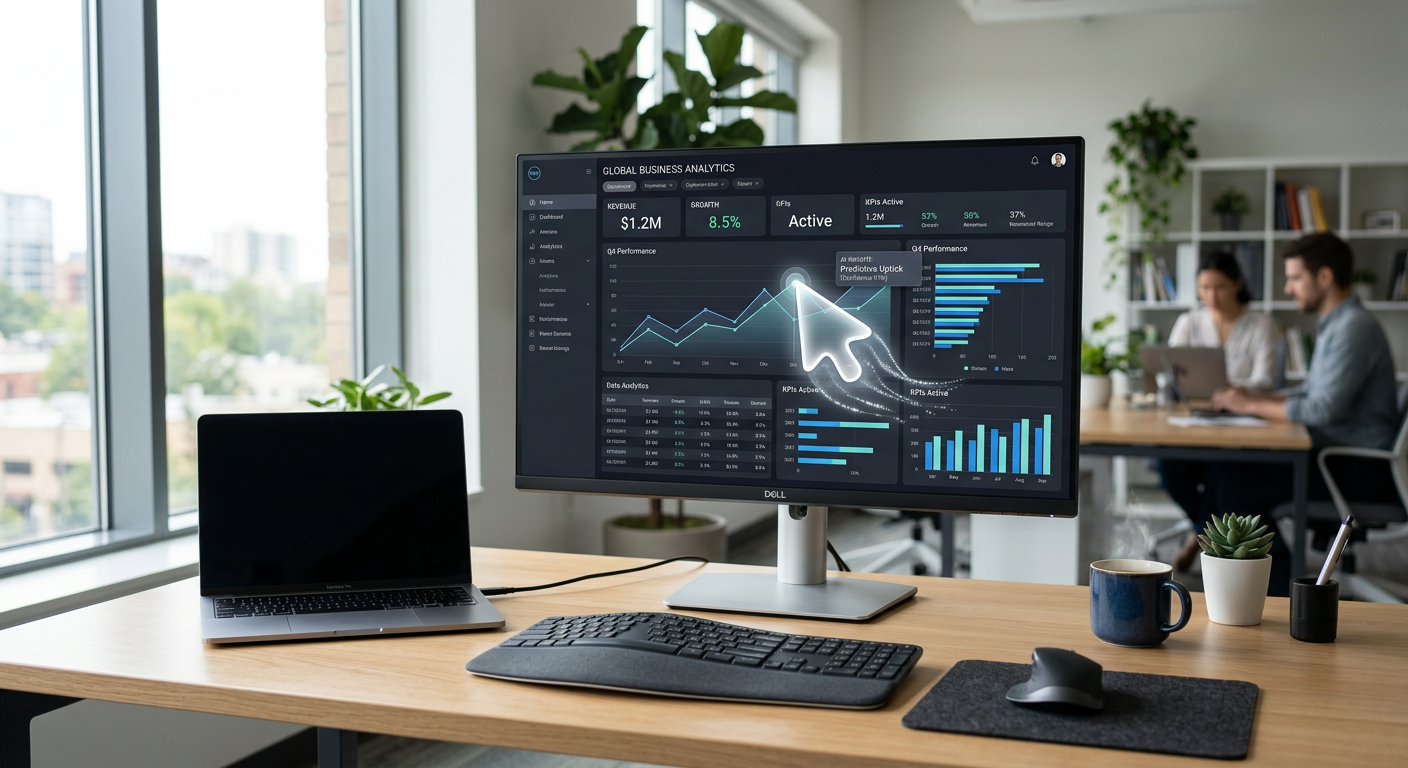
Quick Answer: Anthropic Claude Computer Use is an AI technology that allows the Claude model to interact directly with a computer interface just like a human does. It can view a screen, move a cursor, click buttons, and type text to complete multi-step tasks across different software programs and websites without needing custom integrations.
What is Anthropic Claude Computer Use?
Anthropic Claude Computer Use is a specialized capability of the Claude AI model developed by Anthropic. Unlike standard chatbots that only process text or images, this tool acts as an ai virtual employee. It can "see" what is on a computer screen and execute commands to navigate software, fill out forms, and move data between applications. It belongs to a new category of AI browser automation and desktop control tools that bridge the gap between software that doesn't normally talk to each other.
What problem does Anthropic Claude Computer Use solve for small businesses?
Anthropic Claude Computer Use eliminates the "copy-paste tax" and manual data entry that drains productivity in small offices. Most SMBs rely on several software tools—like a CRM, an accounting package, and a scheduling app—that don't always sync perfectly. This AI solves that by manually performing the tasks a human would usually do, such as moving lead information from an email into a legacy database that lacks a modern API.
It also addresses the problem of after-hours lead management and staff burnout. Instead of a manager spending Sunday night reconciling invoices or updating inventory across three different websites, Claude can be programmed to log in and do it. It handles the repetitive, "clicking-heavy" work that usually leads to human error and employee frustration.
How much does Anthropic Claude Computer Use cost?
The cost of Claude Computer Use is based on usage, measured in "tokens" (units of data). Because the AI takes screenshots to see the screen, it consumes more data than a simple text chat. For a typical small business, the costs are usually split between the raw API fees and the implementation/hosting costs.
| Tier | Estimated Monthly Cost | Best For |
|---|---|---|
| DIY / Developer API | $50 - $200 (Usage based) | Tech-savvy owners testing basic tasks. |
| Managed Middleware | $300 - $800 | Businesses using a platform to run the AI. |
| Pfeiffer Digital Implementation | Scoped on the call and agreed in writing | Turnkey automation with 96% retention and support. |
Want help deploying Anthropic Claude Computer Use this week? Get your free AI audit.
How to deploy Anthropic Claude Computer Use in your business this week
- Identify a "swivel-chair" task: Find one process where an employee looks at one screen and types that info into another screen. This is the perfect pilot for AI browser automation.
- Use the Anthropic Console: If you have a developer on staff, they can access the "Computer Use" beta in the Anthropic Claude API dashboard. They will need to set up a virtual environment (like a Docker container) where the AI can safely click and type.
- Set up monitoring: Because the AI is "using" a computer, you must have a way to review its actions. Use a tool that records the screen so you can verify it clicked the right buttons.
- Have Pfeiffer Digital implement it for you: Most SMB owners don't have time to manage API keys and virtual servers. We can build, host, and maintain a custom Claude Computer Use agent for you. A typical build takes 1–3 weeks and starts at $1,500/mo. Check our full list of products to see how we package these tools.
Real example: how a Waukesha property manager used Anthropic Claude Computer Use
A property management company in Waukesha was struggling with utility billing. Every month, an assistant had to log into five different utility websites (water, gas, electric), download PDFs, and then manually type those amounts into their property management software, AppFolio. It took 15 hours a month and was prone to typos.
We deployed Claude Computer Use to handle this. The AI now logs into each utility portal, navigates to the billing section, "reads" the balance due, and types it directly into AppFolio. Having built automations for Disney, Amazon, and the NBA, I've learned that the simplest tasks often provide the biggest ROI. This business saved 180 hours a year and eliminated billing errors overnight. If you are ready to stop the manual entry, you can contact us today.
Common mistakes to avoid with Anthropic Claude Computer Use
- Giving it too much access: Never let an AI use a computer with access to your primary bank accounts or sensitive master passwords without strict human-in-the-loop approvals.
- Ignoring "Latency": This AI takes a few seconds to "think" between clicks. Don't use it for tasks that require split-second reactions.
- Lack of a "Sandboxed" environment: Always run the AI on a dedicated virtual machine, not your personal laptop, so it doesn't accidentally close your open work or send a weird email from your personal account.
Book a 30-min call with Jon to scope a Anthropic Claude Computer Use build for your business: Book here.
Frequently Asked Questions
What is Anthropic Claude Computer Use?
Claude Computer Use is a feature of the Claude 3.5 Sonnet model. It allows the AI to perceive and interact with a computer interface, including moving the cursor, clicking, and typing, to perform tasks across any software or website.
How is it different from a regular chatbot?
While a standard AI chatbot only processes text or images you upload, Claude Computer Use can actively navigate a computer desktop or browser. It functions as an 'agent' that takes actions in the real world rather than just providing information.
What business tasks can it automate?
It is ideal for manual data entry, reconciling records between two different software platforms, navigating legacy websites that don't have APIs, and automating repetitive administrative workflows that require visual navigation.
Is it safe to let AI control my computer?
Security is handled by running the AI in a 'sandbox'—a controlled, isolated virtual computer. This prevents the AI from accessing anything it shouldn't and allows for full logging and oversight of every action it takes.
How much does it cost to run?
Costs are based on usage (tokens). Because the AI uses screenshots to 'see,' it is more expensive than text-only AI. Most SMBs find it cost-effective when replacing 4–10 hours per week of manual labor per month.