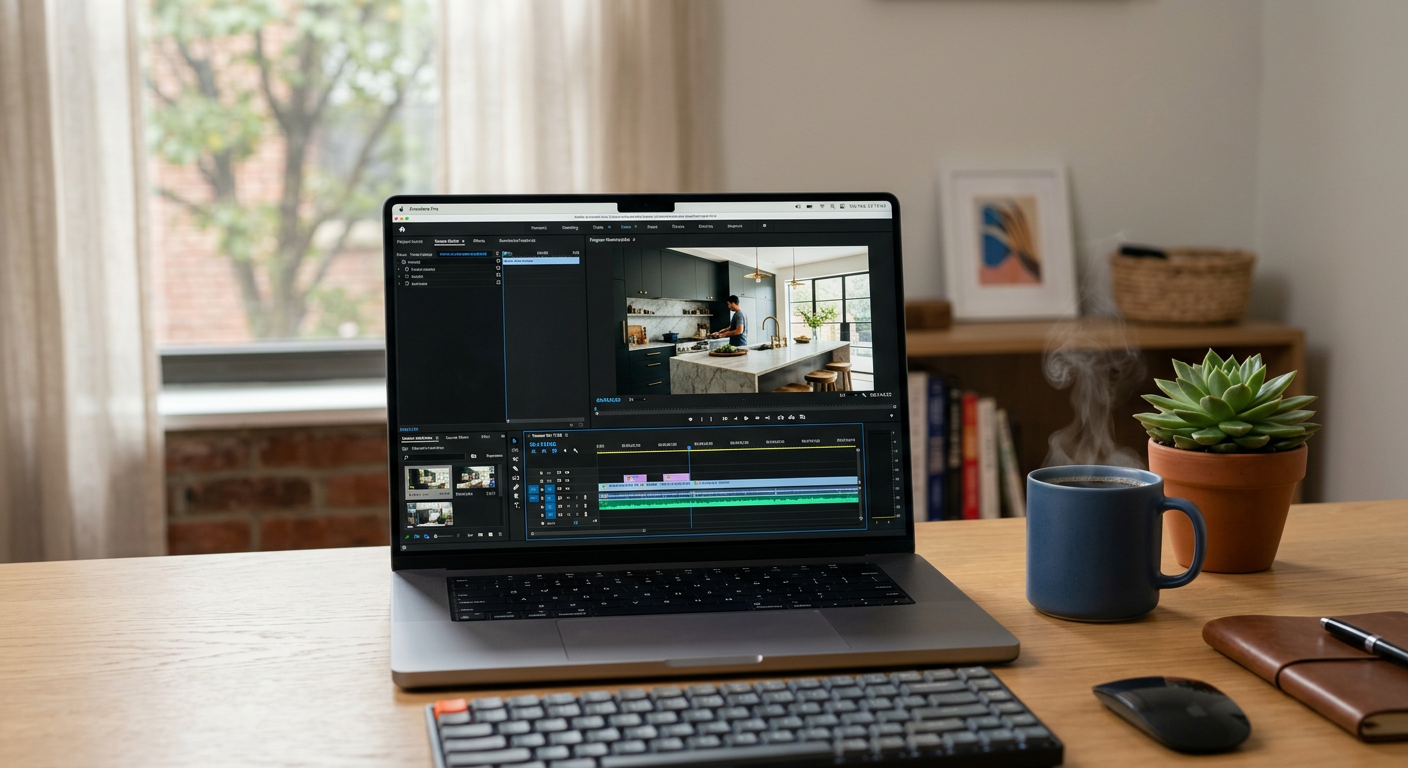
Quick Answer: Runway AI for small business is a generative video platform that creates high-quality marketing ads and social media clips from simple text or existing photos. It allows service-based businesses to produce professional-grade video content without hiring a production crew, cutting video creation costs by up to 90% and reducing turnaround time from weeks to minutes.
Runway is an "applied AI" research company that builds tools for creative content generation. Their flagship product, Gen-3 Alpha, is a video generation model. Think of it as a camera that lives inside your computer. Instead of setting up lights, hiring actors, or filming on location, you type a description of what you want to see. Within seconds, Runway generates a realistic video clip. It belongs to the "Generative Video" category of AI tools. While it was once the secret weapon of Hollywood studios, it is now accessible to any local business owner with a smartphone or laptop.
What problem does Runway solve for small businesses?
Runway solves the high cost of creative production, the lack of professional marketing assets, and the inability to test multiple ad versions quickly. Most SMB owners know video performs best on social media, but they don't have $5,000 for a professional shoot or the 20 hours a week needed to edit clips.
- Expensive Content Creation: Hiring a videographer for a single 30-second ad can cost thousands. Runway creates similar visuals for the price of a lunch.
- Slow Turnaround: Waiting for an editor to send back a draft takes days. With Runway, you can have a fresh video for a Labor Day sale ready in five minutes.
- Creative Block: If you struggle to come up with ideas, Runway’s "Text-to-Video" tool lets you experiment with different visual styles instantly.
How much does Runway cost?
Runway offers a tiered pricing model based on "credits," which you spend to generate seconds of video. For most small businesses, the Standard or Pro plan is the sweet spot for consistent social media posting.
| Plan | Price (Monthly) | Best For |
|---|---|---|
| Basic | Free | Testing the water and low-res exports. |
| Standard | $15 /user | Solopreneurs needing 125 credits/mo and 4K exports. |
| Pro | $35 /user | Active marketers needing 450 credits/mo and custom styles. |
| Unlimited | $95 /user | Power users who want to generate unlimited video. |
Want help deploying Runway this week? Get your free AI audit.
How to deploy Runway in your business this week
You can start using Runway today to upgrade your social media presence or your website’s hero video without a steep learning curve.
- The DIY Starter: Sign up for a free account. Upload 3-5 high-quality photos of your best work (e.g., a completed kitchen remodel or a clean HVAC install). Use the "Image-to-Video" tool to add subtle motion—like sunlight moving across the room or steam rising from a vent. Post these "living photos" as Instagram Reels.
- The Ad Tester: Use the "Text-to-Video" feature to create five different 5-second hooks for a Facebook ad. Test which visual gets the most clicks before investing more time into a full-length video.
- Professional Implementation: Have Pfeiffer Digital implement and integrate it for you. Having built automations for Disney, Amazon, and the NBA, I've learned that the best tools are the ones that work while you sleep. We can build a workflow where your new project photos are automatically turned into high-end video ads and queued for your social media manager. (Typical build: 1–3 weeks, from $1,500/mo).
Real example: how a Wisconsin landscaping owner used Runway
A landscaping company in the Fox Valley had hundreds of "before and after" photos but no video content. The owner didn't have time to film on job sites. We used Runway to turn their static "after" photos into cinematic drone-style flyovers. By adding motion to these photos, their Facebook ad engagement increased by 40%, and they booked three high-end patio installs in two weeks. They didn't have to pick up a camera once; we simply used the assets they already had sitting on their phone.
Common mistakes to avoid with Runway
Runway is powerful, but it requires a strategic approach to look professional rather than "uncanny" or weird.
- Over-complicating the prompt: Keep your descriptions simple. Instead of "a man fixing a furnace with a smile while the sun sets," try "close up of hands repairing a furnace, cinematic lighting."
- Ignoring the 'Motion' slider: Setting motion too high often results in distorted images. Start with a motion level of 3 or 4 for the most realistic results.
- Expecting perfect text: AI still struggles to render specific words inside a video. Use Runway for the visuals, then add your text overlays using a simple tool like Canva or CapCut.
Ready to see how video automation can drive more leads? Check out our automation products or contact us today.
Book a 20-min call with Jon to scope a Runway build for your business: Schedule here.
By Jonathan Pfeiffer, Founder of Pfeiffer Digital. Jon has led engineering projects for global brands like Disney and Amazon and is a certified Replit and Lovable builder. Last updated: 2026-08-03.
Frequently Asked Questions
What is Runway AI and how does it work for business?
Runway is a generative AI platform that creates video from text or images. Small businesses use it to create social media ads, website background videos, and marketing content without the cost of a professional film crew. It is accessible via a web browser and requires no technical video editing skills.
How much does Runway cost per month?
Runway offers a free tier for testing. Paid plans start at $15 per month (Standard) and go up to $95 per month (Unlimited). For most small businesses, the $35/month Pro plan provides enough credits to generate several high-quality marketing videos every month.
Do I need a professional camera to use Runway?
You don't need a professional camera. You can use photos taken on your smartphone. Runway can take a static image of a finished job (like a new roof or a clean office) and add realistic motion to it, making it look like a professional video shoot.
How long does it take to create a video with Runway?
Runway's latest model, Gen-3 Alpha, can generate 5 to 10-second clips in about 60 to 90 seconds. You can then string these clips together to create a full 30-second commercial in less than 30 minutes.
Can I use my own branding with Runway videos?
Yes. While the AI does the 'filming,' you can add your own logos, brand colors, and specific text overlays using a simple editor or by integrating Runway with your existing marketing tools. Pfeiffer Digital helps businesses automate this entire branding process.