By Jonathan Pfeiffer, Founder of Pfeiffer Digital
Last updated: September 6, 2026
Quick Answer: Cursor AI for non-technical owners is a specialized code editor that uses artificial intelligence to write, fix, and explain website or software code using plain English instructions. It allows business owners to maintain their own simple web tools, fix small display bugs, or add basic features to their site without waiting days for a developer to respond or paying high hourly rates for minor tweaks.
What is Cursor?
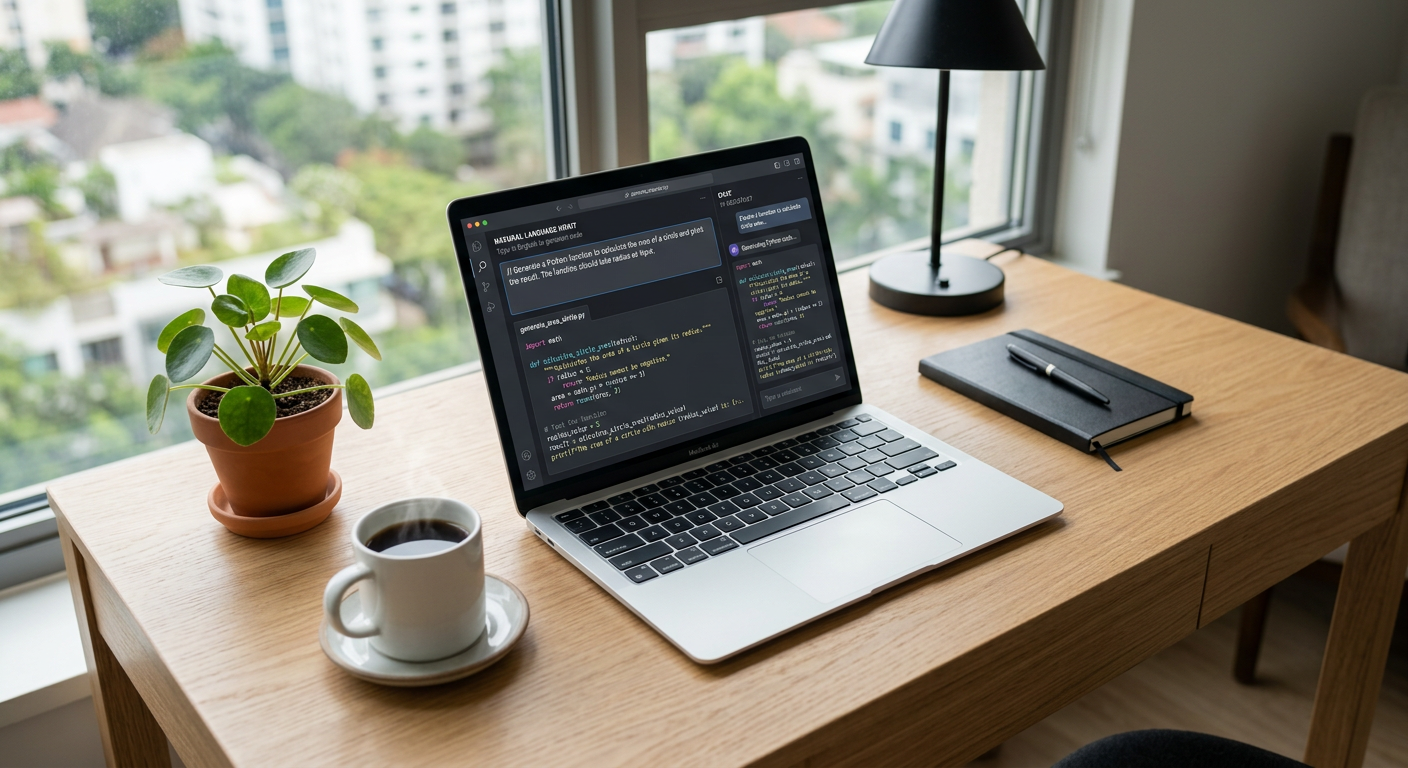
Cursor is an AI-powered code editor built on top of VS Code, the industry standard for programming. Created by the team at Anysphere, it acts like a "spell-check for software" combined with a highly skilled digital assistant. Unlike standard text editors, Cursor understands your entire project's context. You can highlight a piece of broken code and ask, "Why is this button overlapping the text on mobile?" and it will provide the exact fix. It belongs to the category of AI pair programmers, meaning it works alongside you to handle the technical heavy lifting while you provide the business logic.
What problem does Cursor solve for small businesses?
Cursor eliminates the "bottleneck of small tasks" that prevents service businesses from improving their digital customer experience. Most SMB owners have a list of minor website tweaks—like adding a new service area to a dropdown or fixing a broken contact form—that sit untouched because a developer quote is too high or the turnaround is too slow.
Having built automations for Disney, Amazon, and the NBA, I've learned that the biggest losses often come from small friction points, not massive system failures. For a local HVAC company, a broken "Request a Quote" button on a Sunday night means a lost customer to a competitor. Cursor allows an owner to open their website code, describe the problem to the AI, and apply a fix in minutes. It also helps with manual data entry by allowing owners to quickly script small tools that move data between spreadsheets or software without hiring a full-time engineer.
How much does Cursor cost?
Cursor offers a generous free tier that is often enough for occasional fixes, with predictable monthly pricing for power users.
| Plan | Price | Best For |
|---|---|---|
| Hobby | Free | Occasional bug fixes and learning the ropes. |
| Pro | $20/month | Owners building internal tools or managing active sites. |
| Business | $40/user/month | Teams needing advanced privacy and admin controls. |
Want help deploying Cursor this week? Get your free AI audit.
How to deploy Cursor in your business this week
- The DIY Setup: Download Cursor from their official site and open your website's folder. Use the "Composer" feature (Cmd+I) to ask it to explain how your site works. This is the fastest way to understand your own tech stack for $0.
- The "Small Fix" Sprint: Identify one annoying bug on your site—a typo in a footer or a misaligned image. Ask Cursor to fix it, review the suggested change, and hit "Apply."
- Internal Tool Creation: Use Cursor to build a simple "Profit Calculator" or "Lead Tracker" page that connects to your existing data. The AI will write the HTML and Logic for you.
- Professional Implementation: Have Pfeiffer Digital implement and integrate it for you. We set up the environment, train your team on safe editing, and build the initial custom tools. (Typical build: 1–3 weeks, from Scoped on the call and agreed in writing). Check our full product list for more.
Real example: how a property management owner used Cursor
A property manager in Waukesha was tired of manually calculating late fees and utility splits for 40 different units every month. They had a complex Excel sheet, but it didn't talk to their billing software. Using Cursor, the owner—who has zero coding background—described the logic to the AI. Over a single weekend, they built a simple web dashboard that allowed them to upload their utility bill and automatically generate a summary for each tenant. What used to take six hours of manual entry now takes less than ten minutes. They didn't need a $20,000 custom software build; they just needed the right AI partner to guide them through the "last mile" of their workflow.
Common mistakes to avoid with Cursor
- Skipping the Backup: Always ensure your website or files are backed up or tracked in a system like GitHub before letting AI make changes.
- Over-Promising to Yourself: Start with small UI fixes before trying to build a complex database. AI is a great assistant but still needs clear, simple instructions.
- Ignoring Security: Never paste sensitive API keys or customer passwords into the chat window. Always check the Cursor privacy policy to understand how your data is handled.
Ready to stop waiting on developers for simple fixes? Book a 30-min call with Jon to scope a Cursor build for your business.
Frequently Asked Questions
What is Cursor AI?
Cursor is an AI-powered code editor designed to help both developers and non-technical users write and edit code. It acts like a highly advanced assistant that understands your entire project, allowing you to make changes by simply describing them in plain English.
Do I need coding skills to use Cursor?
No, you do not need to know how to code to use Cursor for basic tasks. While a basic understanding of how files are structured helps, the AI handles the syntax and technical logic. You can ask it to 'make this text red' or 'fix the contact form,' and it will show you the exact changes to apply.
How much does Cursor cost?
Cursor has a free 'Hobby' tier that is perfect for beginners. For more frequent use and access to more powerful AI models, the 'Pro' plan is $20 per month. This is significantly cheaper than hiring a developer for small hourly tasks.
What are some common use cases for SMBs?
Cursor can be used to fix website bugs, update pricing on your site, build simple internal calculators, or automate data entry tasks between different software tools. It's best for the 'small but annoying' technical tasks that slow down your business.
Is Cursor safe for my business data?
Yes, Cursor is built on VS Code, one of the most secure and widely used platforms in the world. However, you should always be careful not to share sensitive data like passwords or private customer info with any AI tool. Use 'Privacy Mode' if you are handling proprietary logic.