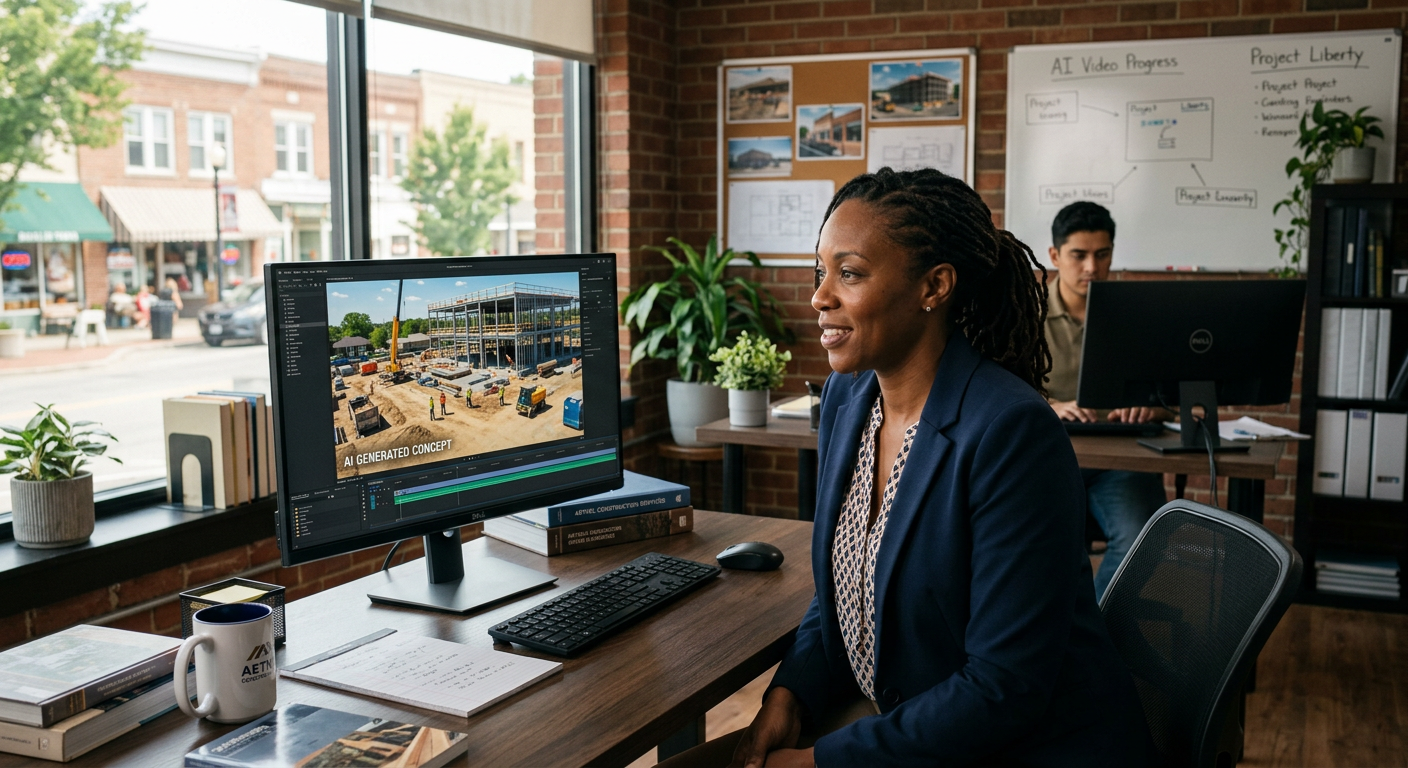
Quick Answer: AI video for small business uses tools like Google Veo and OpenAI Sora to create high-quality marketing videos from simple text prompts. These tools allow local businesses to produce professional-grade social media ads, website headers, and product demos without the high costs of film crews, expensive equipment, or long editing timelines.
What is Google Veo and Sora?
Google Veo and OpenAI Sora are advanced AI video generation tools. They belong to a category called "Generative Video." Instead of filming with a camera, you type a description of what you want to see—like a "close-up of a technician repairing an AC unit in a sunny Oconomowoc home"—and the AI builds a realistic video from scratch. Google Veo is Google's most capable video model, while Sora is the flagship video tool from the creators of ChatGPT. Both can create cinematic clips up to a minute long that look like they were shot by a professional filmmaker.
What problem does Google Veo / Sora solve for small businesses?
Google Veo and Sora solve the problem of high production costs and the lack of visual content for local marketing. Most small businesses have great services but boring websites and social media feeds because hiring a camera crew is too expensive.
Specifically, these tools address three major pain points:
- High Content Costs: A single professional brand video can cost $3,000 to $10,000. AI video costs a fraction of that, allowing you to refresh your ads every week.
- The "Invisible Service" Problem: If you run an HVAC or roofing company, it’s hard to get "action shots." AI can generate these visuals instantly to show customers exactly what your expertise looks like.
- Slow Turnaround: Waiting weeks for an editor to send back a draft kills your momentum. With AI, you can have a new video for a Facebook ad campaign ready in ten minutes.
How much does Google Veo / Sora cost?
Current pricing for high-end AI video is transitioning from invitation-only access to tiered subscription models ranging from $20 to $500 per month depending on volume. Most small businesses will find the mid-tier "Pro" plans ideal for regular social media posting.
| Plan Level | Estimated Price | Best For |
|---|---|---|
| Entry Level (Basic AI Video) | $20 - $30 / mo | Occasional social media clips |
| Professional Tier | $90 - $150 / mo | Weekly ad creative and website headers |
| Enterprise / Agency Managed | $1,500+ / mo | Full automated marketing funnels and custom builds |
Want help deploying Google Veo or Sora this week? Get a free AI audit.
How to deploy Google Veo / Sora in your business this week
You can start using AI video immediately by following a phased approach, starting with simple social posts and moving toward fully automated video ads.
- The DIY Social Refresh: Sign up for a tool like Luma Dream Machine or Kling (which are available now while Veo/Sora roll out) and generate one 5-second clip of your "ideal" customer experience. Post it to your Google Business Profile.
- The Website Upgrade: Replace static images on your homepage with a background video generated by AI. This increases "time on page," which helps your local SEO.
- Scale with Pfeiffer Digital: Have us build a custom automation that takes your new 5-star reviews and automatically generates an AI video featuring the review text over a cinematic background. This keeps your feed fresh without you lifting a finger. (Typical build: 1–3 weeks, starting at $1,500/mo).
Real example: how a Waukesha County HVAC owner used AI video
A local HVAC company struggled to get high-quality footage of their team on site because their technicians were busy focused on repairs, not filming. We used generative video to create a series of 15-second Facebook ads showing a friendly technician explaining a maintenance check in a clean, modern basement. Having built automations for Disney, Amazon, and the NBA, I've learned that the quality of the visual is secondary to the speed of the message. By using AI video, the owner cut their lead replacement cost by 42% because they could test five different video ads in the time it used to take to make one.
Common mistakes to avoid with Google Veo / Sora
Avoid these pitfalls to ensure your AI video efforts actually drive ROI rather than just looking "cool."
- The "Uncanny Valley": Don't try to create "fake human" spokespeople that look perfectly real; they often end up looking creepy to local customers. Stick to atmospheric shots or background action.
- Ignoring Your Brand: Ensure the AI knows your brand colors. If your trucks are blue, don't let the AI generate a video with red trucks just because the prompt was vague.
- No Call to Action: A pretty video is useless if it doesn't tell the viewer what to do next. Always overlay your phone number or a "Book Now" button.
Ready to stand out in a crowded local market? Book a 20-min call with Jon to scope a Google Veo / Sora build for your business.
Explore our full range of solutions at pfeifferdigital.com/products or contact us today.
By Jonathan Pfeiffer, Founder of Pfeiffer Digital
Jon Pfeiffer is a Replit Level 4 and Lovable Level 4 Platinum certified developer. With a career spanning engineering roles at Disney, Amazon, and IBM, he now helps Wisconsin SMBs bridge the gap between complex AI tech and everyday business growth.
Last updated: 2026-06-12
Frequently Asked Questions
How can I use Google Veo or Sora for my business marketing?
Google Veo and Sora generate video from text descriptions. To use them for marketing, you input a 'prompt' describing your service or product. The AI then creates a high-definition video clip that can be used for Facebook ads, Instagram Reels, or website headers, saving you the cost of a professional video production team.
Is AI video quality good enough for professional ads?
Google Veo and Sora are designed to produce highly realistic video. While older AI tools looked 'glitchy,' these new models handle lighting, physics, and textures with incredible accuracy. For social media and digital ads, the quality is often indistinguishable from professional B-roll footage.
Can I use Google Veo or Sora right now?
Currently, these tools are in various stages of release. Sora is available to select creators, while Veo is being integrated into Google's creative labs. However, similar tools like Luma Dream Machine and Runway are available now for immediate business use. Pfeiffer Digital can help you navigate which tool is ready for your specific needs.
What are the best use cases for AI video in a small business?
Small businesses can use AI video to create 'About Us' videos, social media content, product showcases, and background loops for websites. It is especially useful for service businesses (like plumbers or landscapers) to visualize their work without needing a camera on every job site.
How long does it take to create a video with AI?
Generating a short AI video clip typically takes between 2 to 10 minutes depending on the complexity of the prompt and the tool's server load. This allows a business owner to create a month's worth of video content in a single afternoon.