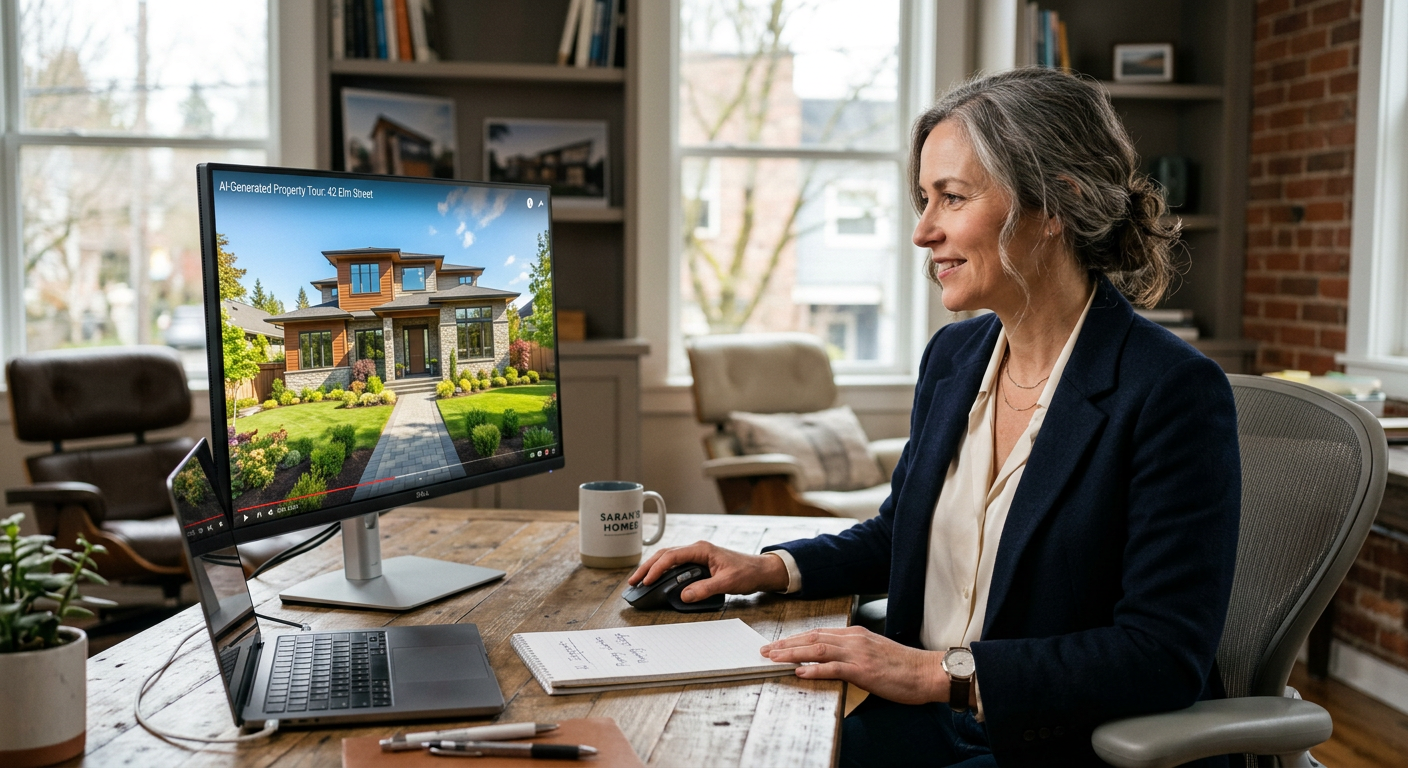
Today's AI Tech for Your Business focuses on a visual shift: creating professional video without a film crew. Video is the highest-converting medium for small businesses, but it is traditionally the most expensive and time-consuming to produce. Google Veo and Sora are changing that.
**Quick Answer:** AI video for small business uses tools like Google Veo and Sora to turn text descriptions into high-quality video clips. These tools allow owners to create social media ads, product demos, and training videos in minutes for a fraction of the cost of a traditional video production crew.
What is Google Veo / Sora?
Google Veo and OpenAI’s Sora are AI video generation tools. They belong to a category called "Generative Video." You type a description of what you want to see—like "a drone shot of a clean living room in a modern Milwaukee home"—and the AI creates a realistic 60-second video clip from scratch. Google Veo is integrated into Google's creative suite, while Sora is OpenAI’s flagship video model. Both tools represent the highest tier of video quality currently available, moving away from grainy animations to photorealistic footage that is difficult to distinguish from real life.
What problem does Google Veo / Sora solve for small businesses?
Google Veo and Sora solve the problem of high production costs and the "blank screen" struggle for social media marketing. Small businesses often rely on static photos because hiring a videographer costs thousands of dollars per shoot.
- Eliminating "Ghost Town" Social Media: Service businesses like HVAC or landscaping often lack fresh video content. These tools create background B-roll for Instagram Reels or TikToks without needing a camera.
- Reducing Creative Bottlenecks: Instead of waiting weeks for an editor, you can generate a product demo or a "how-to" visual in seconds to answer a customer's question.
- Affordable Local Ads: You can create high-end video ads for local Facebook or YouTube campaigns that look like they had a $10,000 budget, helping you stand out from competitors using blurry cell phone photos.
How much does Google Veo / Sora cost?
Pricing for high-end AI video is currently transitioning from invite-only beta to public subscription models. Expect to pay between $20 and $100 per month for professional-grade access depending on the volume of video you generate.
| Plan Tier | Estimated Cost | Best For |
|---|---|---|
| Basic / Individual | $20 - $30/mo | Occasional social media posts and internal training. |
| Pro / Small Team | $60 - $150/mo | Weekly ad campaigns and high-volume content creation. |
| Managed Implementation | From $1,500/mo | Full automation of video workflows by Pfeiffer Digital. |
Want help deploying Google Veo / Sora this week? Get your free AI audit.
How to deploy Google Veo / Sora in your business this week
You can start using AI video immediately by identifying one recurring video need, such as a "Tip of the Week" for your Facebook page.
- Start with a "B-Roll" strategy: Sign up for a tool like Runway or Luma (available now) or join the Veo/Sora waitlists. Use them to generate 5-second clips of scenes relevant to your business (e.g., a plumber fixing a sink) to use as backgrounds for text-based tips.
- Batch your content: Spend one hour generating 10 clips. Use a free tool like CapCut to overlay your logo and a simple tip. This gives you two weeks of daily video content for under $30.
- Have Pfeiffer Digital implement and integrate it for you: We build custom workflows that take your written blog posts or customer reviews and automatically turn them into AI-generated video ads. (Typical build: 1–3 weeks, from $1,500/mo).
Real example: how a Milwaukee property manager used Google Veo / Sora
A property management firm in Milwaukee struggled to show "lifestyle" videos of their rentals without disturbing current tenants for film shoots. Having built automations for Disney, Amazon, and the NBA, I've learned that the "feeling" of a video matters as much as the facts. We helped them use AI video to generate seasonal shots of their properties—showing what the backyard looks like in a lush Wisconsin summer versus a cozy, snow-covered winter. They used these clips in their listings and saw a 40% increase in inquiries because prospective tenants could visualize the home year-round without the owner spending a dime on a film crew.
Common mistakes to avoid with Google Veo / Sora
Avoid these pitfalls to ensure your AI video looks professional rather than "uncanny" or fake.
- Over-complicating the prompt: Keep your descriptions simple. Asking for too many moving parts at once often results in visual glitches.
- Ignoring your brand: Don't just generate cool videos; ensure the lighting and "vibe" match your actual business location so customers aren't surprised when they visit.
- Using AI for everything: Never replace your "About Us" or "Meet the Team" videos with AI. Customers need to see your real face to build trust.
Ready to see how AI video fits into your marketing? View our automation products or contact us today.
Book a 30-min call with Jon to scope a Google Veo / Sora build for your business: Schedule here.
By Jonathan Pfeiffer, Founder of Pfeiffer Digital
Jon Pfeiffer is a Replit Level 4 and Lovable Platinum certified builder. With a career spanning engineering roles at Disney, Amazon, and IBM, he now helps small businesses in Wisconsin and beyond implement practical AI that drives measurable ROI.
Last updated: 2026-09-12
Frequently Asked Questions
What is the difference between Google Veo and Sora?
Google Veo and Sora are generative AI models that create high-definition video from text prompts. You type a description, and the AI generates a video clip. They are currently the most advanced tools for creating realistic video content without a camera.
How can a small business use AI video?
Small businesses can use AI video for social media B-roll, background footage for websites, short product demonstrations, and video ads. It eliminates the need for expensive film crews and allows for rapid content creation.
Is AI video expensive for a small business?
Most professional AI video tools range from $20 to $100 per month. While Google Veo and Sora are rolling out, similar tools like Runway or Luma are available now at these price points, offering a significant saving over traditional production.
Can I use AI video for Facebook ads?
Yes, you can use these tools to create footage for commercial ads. However, you should always check the specific terms of service for the tool you are using to ensure you have full commercial rights to the generated output.
What are the limitations of AI video?
AI video is excellent for general marketing, but it should not replace videos where personal trust is key, such as "Meet the Team" or testimonials. Use AI for the 'flavor' and real video for the 'trust.'