By Jonathan Pfeiffer, Founder of Pfeiffer Digital
Last updated: 2026-07-02
**Quick Answer:** Granola ai meeting notes is an AI-powered notepad for Mac that listens to your sales and client calls. Unlike other bots, it doesn't join the call as a visible guest. It stays on your desktop, captures the audio, and turns your rough shorthand notes into professional, polished summaries and next steps automatically.
What is Granola?
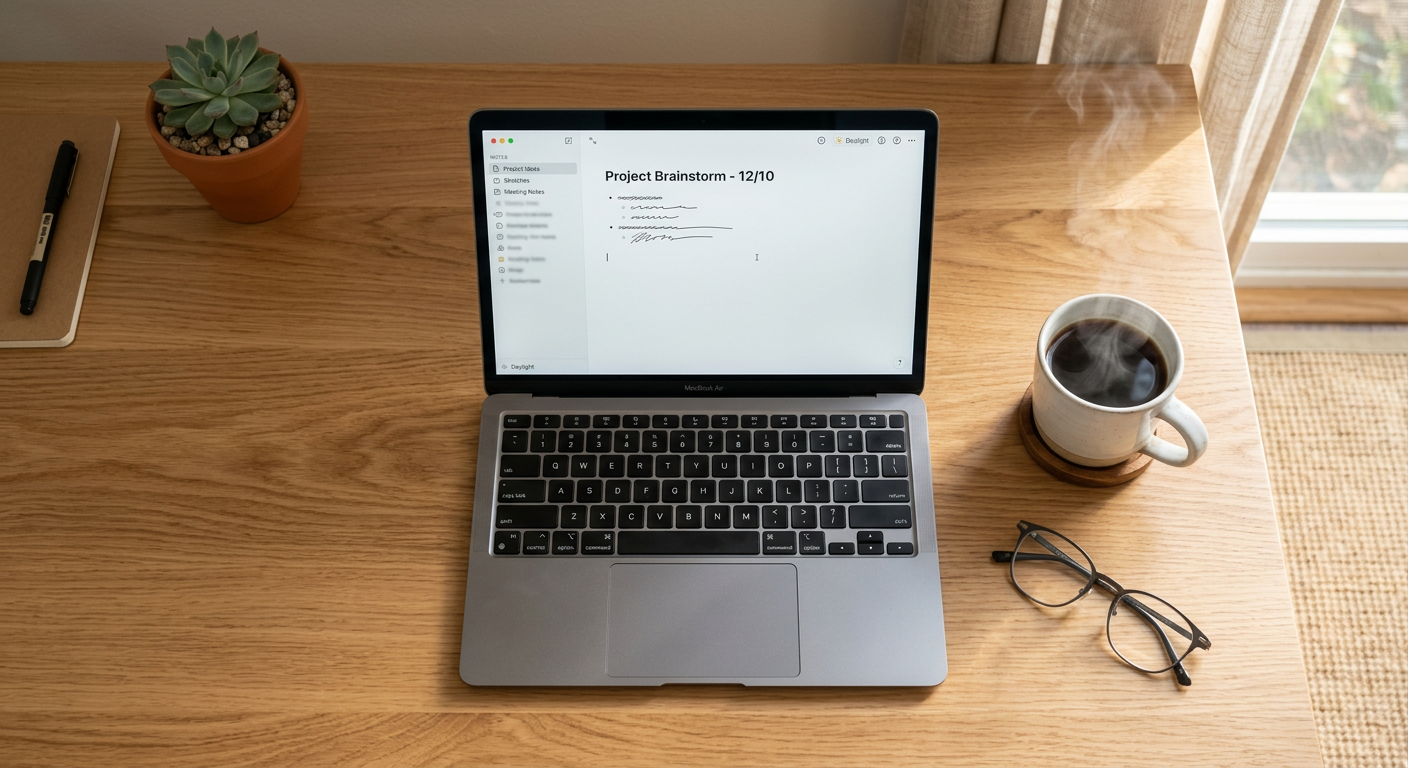
Granola is an "AI notepad" designed specifically for people who lead meetings rather than just watching them. It is a desktop application created by Christopher Pedregal and Sam Sayer. While tools like Otter or Fireflies act like a recording "ghost" in the room, Granola works in the background. It combines the transcript of your conversation with your own quick jotted notes to create a highly accurate, personalized record of the meeting. It belongs to the category of AI productivity and transcription software, but it focuses on the user's perspective rather than a generic transcript.
What problem does Granola solve for small businesses?
Granola solves the "split attention" problem where business owners struggle to listen to a client while simultaneously trying to document every detail. For a small business owner, missing a specific requirement in a sales call can mean a lost contract or an underquoted job.
First, it eliminates the "creepy bot" factor. Many SMB clients, especially in professional services or healthcare, feel uncomfortable when a visible AI bot joins a Zoom call. Granola stays on your computer, so you get the benefits of AI without making your client feel like they are being monitored by a third party.
Second, it fixes poor data entry. Most small business owners are too busy to update their CRM (Customer Relationship Management) after a long day of meetings. Granola creates clean, formatted notes that you can copy and paste into your system in seconds. This ensures you never forget to follow up on a lead or a specific promise made during a consultation.
Third, it reduces staff burnout. If your project managers spend two hours a day writing up meeting minutes, Granola gives them that time back to focus on high-value billable work.
How much does Granola cost?
Granola offers a straightforward pricing model that scales from individual use to team-wide deployment. It is one of the most affordable ways to bring AI intelligence into your daily operations.
| Plan | Price | Best For |
|---|---|---|
| Free | $0 | Occasional users (limited to 5 meetings per month) |
| Pro | $10/month | Solo business owners and heavy users |
| Teams | Custom | Agencies needing shared templates and centralized billing |
Want help deploying Granola this week? Get a free AI audit.
How to deploy Granola in your business this week
Follow these four steps to stop taking manual notes and start being present in your meetings.
- The DIY Start: Download the Granola app on your Mac. Run it during your next internal team meeting. Take just three or four bullet points of notes like you normally would. After the call, watch how Granola blends your bullets with the transcript to create a "perfect" summary.
- Create Custom Templates: Once you see it work, create templates for your specific industry. If you are an HVAC owner, create a "Site Survey" template that forces the AI to look for "Budget," "Timeline," and "Equipment Specs."
- Integrate with Your Workflow: Start using the "Copy to CRM" feature. After every client call, ensure the summary is pasted into your client record. This creates a paper trail that protects your business from "he said, she said" disputes.
- Professional Implementation: Have Pfeiffer Digital implement and integrate it for you. We don't just "install" the app; we build custom automation workflows that take your Granola notes and automatically trigger tasks in your project management software or send follow-up emails to your clients. (Typical build: 1–3 weeks, from $1,500/mo).
Real example: how a Milwaukee consulting firm used Granola
A small environmental consulting firm in Milwaukee was drowning in post-meeting paperwork. Each partner spent roughly five hours a week cleaning up notes from field visits and client strategy sessions. They tried Otter.ai, but their clients found the "recording bot" distracting.
We helped them switch to Granola. Having built automations for Disney, Amazon, and the NBA, I've learned that the best tools are the ones that don't get in the way. By using Granola, the partners could look their clients in the eye and only type a few "trigger words" during the meeting. The AI did the rest. They reduced their documentation time by 80% and saw a 12% increase in billable hours because they weren't stuck behind a keyboard at 6:00 PM. Check out our other automation products to see how we help firms like this.
Common mistakes to avoid with Granola
- Over-typing: Don't try to type everything. The AI is listening. Only type things the AI can't know, like your internal thoughts or a "gut feeling" about a lead.
- Neglecting Templates: If you use the generic summary, you get generic results. Use industry-specific templates to get the data you actually need for your business.
- Ignoring Privacy: Even though the bot isn't "visible," always follow your local Wisconsin laws regarding recording. A simple "I'm using an AI notepad to make sure I don't miss any of your requirements" is usually all it takes to be transparent.
Ready to reclaim your time? Book a 20-min call with Jon to scope a Granola build for your business.
About the Author: Jonathan Pfeiffer is the founder of Pfeiffer Digital. He has led engineering projects for companies like IBM, MLB, and the NHL. Today, he focuses on helping Wisconsin small businesses use AI to increase their ROI.
Frequently Asked Questions
Does Granola join my meetings as a bot?
Granola does not use a visible bot to join your calls. It is a desktop app that records the audio coming through your computer (Zoom, Teams, or Google Meet). This makes it much less intrusive than competitors like Fireflies or Otter, as your clients won't see an "AI Assistant" in the participant list.
Is Granola available for Windows?
Granola is currently a Mac-only application. It is designed to live in your macOS menu bar and capture system audio. If you use a Windows PC, you would need to look at alternatives like Jamie or wait for a Windows release from the Granola team.
Can I customize how Granola summarizes my meetings?
Granola allows you to define "templates" or "meeting types." You can tell the AI exactly what information is most important to your business—such as project deadlines, budget constraints, or specific technical specs. This ensures the summary captures the data you actually need to run your business.
Is Granola AI secure for client conversations?
Yes, Granola takes security seriously. Your transcripts and notes are encrypted. Furthermore, because it is a local app on your computer rather than a web-based bot that stays in the call, you have more control over when it is listening and when it is not.
Can Granola help me write follow-up emails?
Absolutely. One of Granola's best features is the "Generate Follow-up" button. It uses the context of the meeting and your notes to draft a professional email that you can send to your client immediately after the call finishes.