By Jonathan Pfeiffer, Founder of Pfeiffer Digital
Last updated: July 9, 2026
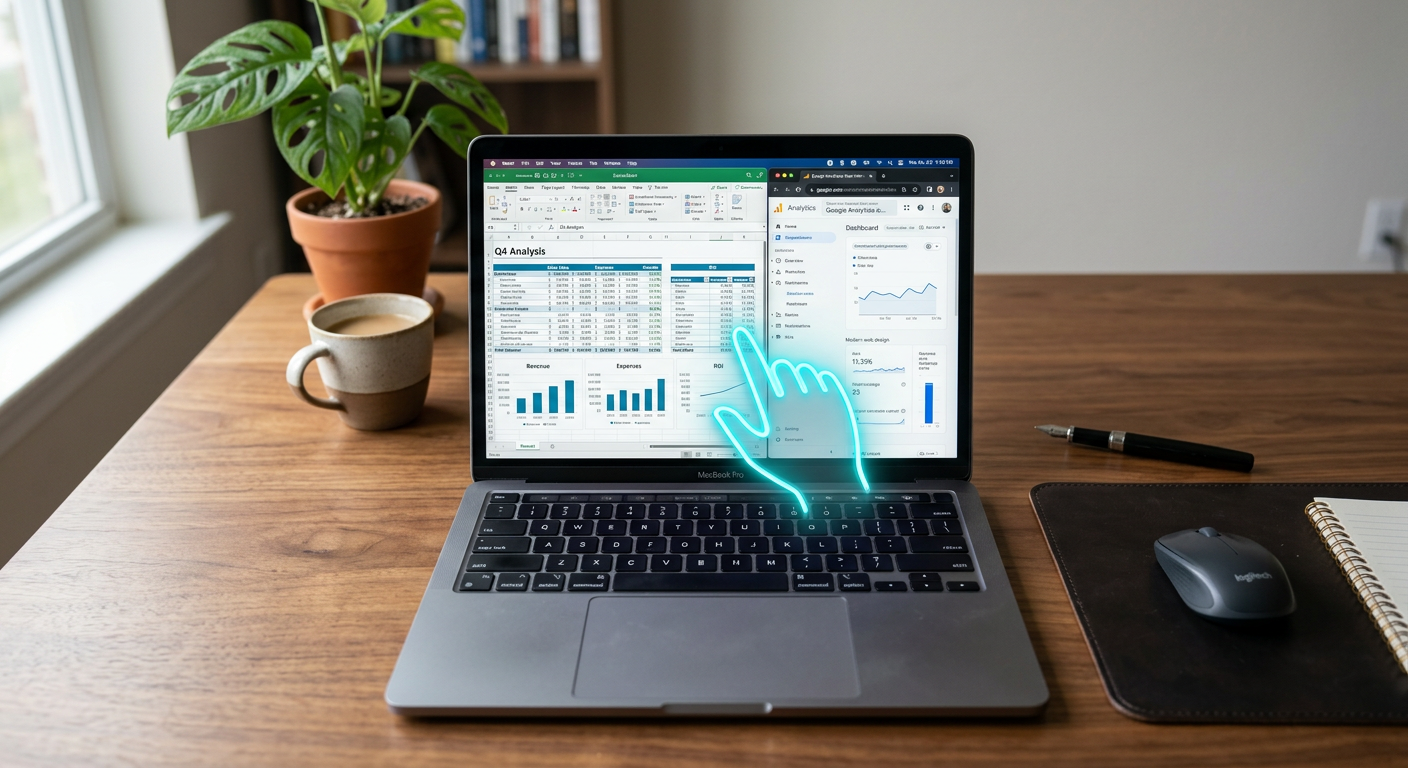
Quick Answer: Anthropic Claude Computer Use is an AI capability that allows the Claude model to operate a computer like a human would. It can look at a screen, move the cursor, click buttons, and type text to complete tasks across different software programs, websites, and legacy databases without needing custom API integrations.
What is Anthropic Claude Computer Use?
Anthropic Claude Computer Use is a specialized feature of the Claude 3.5 Sonnet model. Unlike standard chatbots that only generate text or code, this technology functions as an "AI agent" that can navigate a computer interface. It interprets the visual layout of your screen, identifies fields and buttons, and executes commands to move from one application to another. Whether it’s copying data from a PDF into an old accounting system or researching a lead on LinkedIn and updating a CRM, Claude performs these actions by "seeing" the digital environment just as your office staff does.
What problem does Anthropic Claude Computer Use solve for small businesses?
Anthropic Claude Computer Use eliminates the "manual swivel-chair" work where employees waste hours moving data between systems that don't talk to each other. Many small businesses rely on older software that lacks modern connections (APIs), forcing staff to manually re-type information. Claude Computer Use acts as a bridge between these isolated tools.
- Fragmented Data Entry: Small businesses often use different tools for scheduling, billing, and customer management. This AI can take a work order from your email and manually type it into your 10-year-old dispatching software.
- Time-Consuming Research: Instead of a staff member spending 30 minutes looking up property tax records for a real estate lead, the AI can open the browser, find the county website, search the address, and save the data.
- After-Hours Operations: It handles routine administrative tasks on a dedicated computer 24/7, ensuring that lead follow-up or inventory updates happen while your team is sleeping.
Want help deploying Anthropic Claude Computer Use this week? Get a free AI audit.
How much does Anthropic Claude Computer Use cost?
Pricing for Claude Computer Use is based on the volume of "tokens" (data) processed and the number of screenshots the AI takes to navigate. For most SMBs, the cost is significantly lower than a part-time hire but varies based on task complexity.
| Tier | Estimated Cost | Best For |
|---|---|---|
| DIY Explorer | $20/mo + API Fees ($0.05 - $1.00 per task) | Testing simple browser-based automations. |
| Pfeiffer Managed Agent | $1,500 - $3,500 /mo (Managed) | Reliable, secure data entry and complex cross-app workflows. |
| Enterprise Custom | Contact for pricing | High-volume processing for large property portfolios or clinics. |
How to deploy Anthropic Claude Computer Use in your business this week
- Identify the "Click-Heavy" Task: Find one repetitive process that takes 30-60 minutes daily and involves at least two different websites or programs.
- Test via Claude.ai: Use the basic Claude interface to see if the model can write the logic for your task. Note that the "Computer Use" feature specifically requires a technical setup (API) to actually move your mouse.
- Set up a Virtual Sandbox: Never run AI browser automation on your main work computer. Set up a dedicated "Virtual Desktop" where the AI can operate safely without interrupting your mouse.
- Integrate with Pfeiffer Digital: Have Pfeiffer Digital implement and integrate it for you (typical build: 1–3 weeks, from $1,500/mo). Check our full product list to see how this fits your workflow.
Real example: how a property management company used Anthropic Claude Computer Use
A local property management company in Waukesha struggled with local utility bills. Every month, an employee had to log into 12 different municipal water portals to download statements and then manually type those totals into the company’s AppFolio software. Having built automations for Disney, Amazon, and the NBA, I've learned that if a human has to "click and wait" for a page to load, an AI can usually do it better. We deployed a Claude-based agent that logs in on the first of the month, "reads" the balance on the screen, and clicks through the accounting software to record the expense. This saved the office manager 15 hours of tedious work every month.
Common mistakes to avoid with Anthropic Claude Computer Use
- Running it on your personal screen: If the AI is moving the mouse, you can't use the computer. Always use a dedicated virtual machine.
- Lack of Human-in-the-Loop: Never let an AI agent click "Submit Payment" or "Send to All" without a human first verifying the data it found.
- Ignoring Website Terms: Some websites have strict rules against automated "scraping." Ensure your use case complies with the software you are using. Contact us if you aren't sure.
Book a 20-min call with Jon to scope a Anthropic Claude Computer Use build for your business.
About the Author
Jonathan Pfeiffer is the founder of Pfeiffer Digital. With a career spanning engineering roles at Disney, Amazon, and IBM, he now focuses on bringing enterprise-grade AI to small businesses. He is a Replit Level 4 Advanced Builder and Lovable Level 4 Platinum certified specialist.
Frequently Asked Questions
What is Anthropic Claude Computer Use?
Anthropic Claude Computer Use is a feature that allows the AI to interact with software by looking at screenshots, moving the cursor, clicking buttons, and typing text. It simulates human interaction with a computer to automate repetitive tasks across various applications.
How is this different from regular automation?
Unlike traditional automation (like Zapier) which requires apps to have official connections (APIs), Claude Computer Use can work with any software a human can use. It literally "sees" the screen, making it possible to automate older "legacy" programs that were previously impossible to link.
What tasks can Claude Computer Use do for my business?
Common uses include entering data into old accounting software, conducting web research for sales leads, filling out complex forms from PDF data, and syncing information between multiple software platforms that don't have a direct integration.
Is it safe to let AI control my computer?
Yes, when set up correctly. It should be run in a "sandboxed" environment (a separate virtual computer) to protect your main data. Professional deployment includes guardrails to ensure the AI only accesses the specific areas it needs to perform the task.
Does it cost a lot to set up?
While the base technology is affordable, the complexity of setting up the "virtual environment" and the logic for the AI usually requires professional help. A managed solution typically starts around $1,500/mo depending on the tasks being automated.